
Crearea de cataloage digitale nu a fost niciodată mai ușoară, datorită instrumentelor moderne precum FlipBuilder. Indiferent dacă sunteți proprietar de afacere, agent de marketing sau creator de conținut, FlipBuilder oferă o platformă intuitivă pentru a transforma fișierele PDF sau conținutul static în flipbook-uri digitale interactive uimitoare, care captivează publicul.
În acest ghid, vă vom prezenta procesul pas cu pas.
Why Choose FlipBuilder for Your Digital Catalogs?
FlipBuilder este o platformă puternică de publicare digitală care permite utilizatorilor să creeze cu ușurință cataloage interactive și captivante. Iată ce o diferențiază:
- Interfață ușor de utilizatNu sunt necesare abilități tehnice
- Caracteristici interactiveAdăugați hyperlinkuri, videoclipuri, fișiere audio și multe altele
- Design responsivCataloagele arată grozav pe orice dispozitiv
- prietenos cu SEOAjută-ți conținutul să se claseze mai sus în motoarele de căutare
- Bazat pe cloudAccesați-vă proiectele de oriunde
- AnalyticsUrmăriți implicarea și comportamentul cititorilor
How to Create Digital Catalogs with FlipBuilder
Step 1: Sign Up and Choose a Template
Începeți prin a crea un cont FlipBuilder. După ce v-ați conectat, răsfoiți biblioteca extinsă de șabloane concepute profesional, adaptate pentru diferite industrii. Selectați un șablon care se potrivește nevoilor brandului și catalogului dvs.
Step 2: Import Your Content
Importați fișierele PDF existente, imaginile sau creați pagini noi de la zero. FlipBuilder acceptă diverse formate de fișiere, facilitând digitalizarea cataloagelor tipărite existente.
Step 3: Customize Your Catalog
Personalizați-vă catalogul adăugând logo-ul și culorile mărcii, inserând elemente interactive (videoclipuri, linkuri, puncte de interes), alegând dintre diverse teme și fundaluri și ajustând tranzițiile de pagină și animațiile.
Step 4: Preview and Test
Înainte de publicare, utilizați funcția de previzualizare pentru a vă asigura că catalogul dvs. arată și funcționează așa cum a fost conceput.
Step 5: Publish and Share
După ce sunteți mulțumit, publicați catalogul digital și distribuiți-l prin mai multe canale: partajare directă de linkuri, campanii de e-mail, platforme de socializare, încorporare pe site-uri web și coduri QR pentru promovare offline.
Începeți să vă creați catalogul digital
Digital Catalog vs Printed Catalog
Vă întrebați dacă să treceți la formatul digital sau să rămâneți la cel tipărit? Consultați comparația noastră detaliată a Catalog digital vs. catalog tipărit: o comparație a costurilor reale pentru 2026 pentru a lua o decizie în cunoștință de cauză pentru afacerea dumneavoastră.
Best Practices for Digital Catalogs
- Optimizați imaginileFolosește imagini de înaltă rezoluție, menținând în același timp dimensiunile fișierelor ușor de gestionat
- Design axat pe mobilAsigurați lizibilitatea pe smartphone-uri și tablete
- Navigare clară: Ușurează găsirea informațiilor de către cititori
- Imagini captivanteFolosește fotografii și videoclipuri de calitate pentru a prezenta produsele
- Actualizări regulateMențineți catalogul actualizat cu produse și informații noi
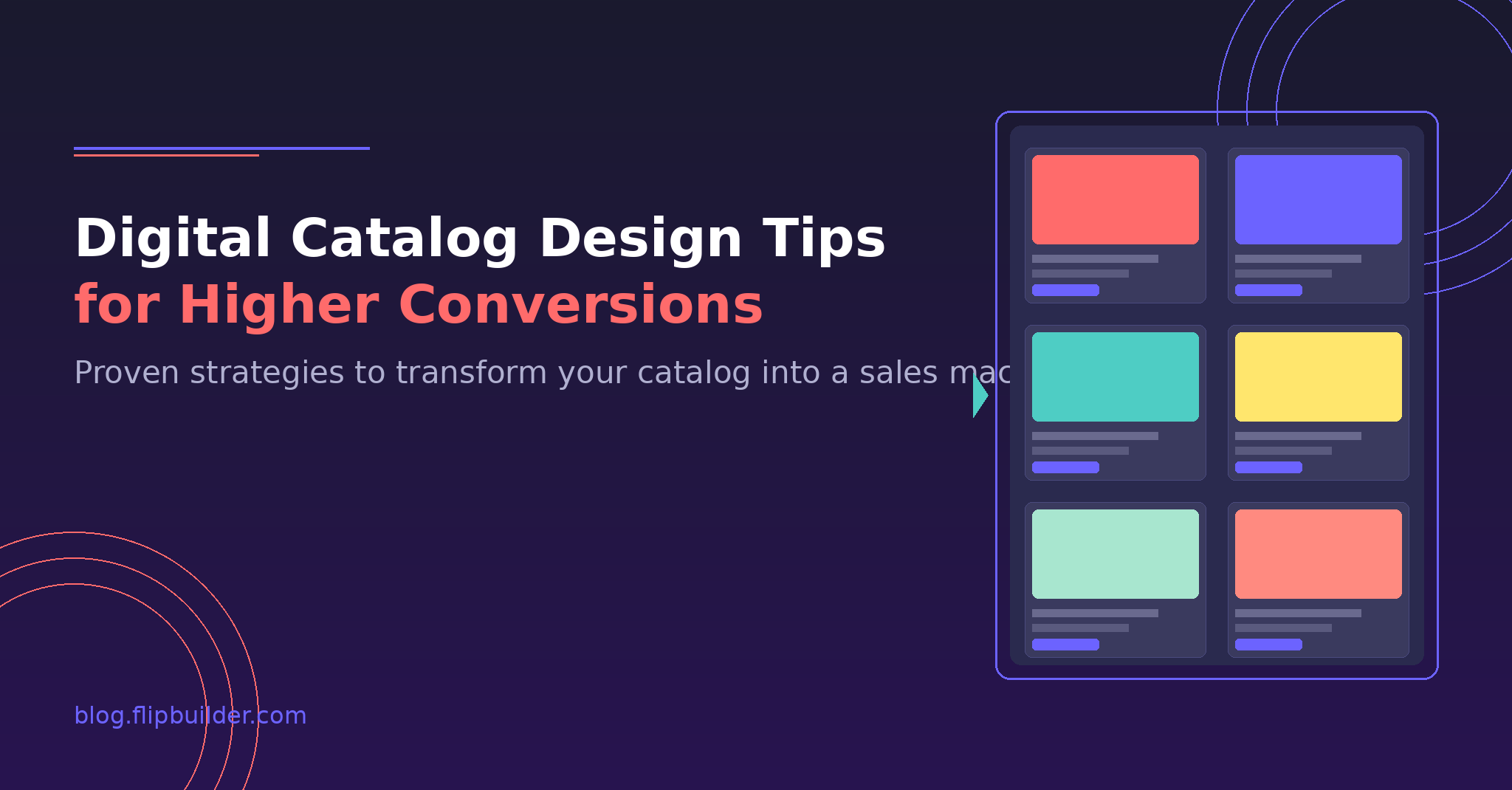
Pentru mai multe sfaturi, citește ghidul nostru despre Sfaturi de design pentru cataloage digitale pentru conversii mai mari.
How to Embed Your Digital Catalog
Odată ce catalogul este gata, este posibil să doriți să îl încorporați pe site-ul dvs. web. Aflați Cum să încorporezi un catalog digital pe site-ul tău web: 5 metode care funcționează pentru o integrare perfectă.
Other Useful Guides
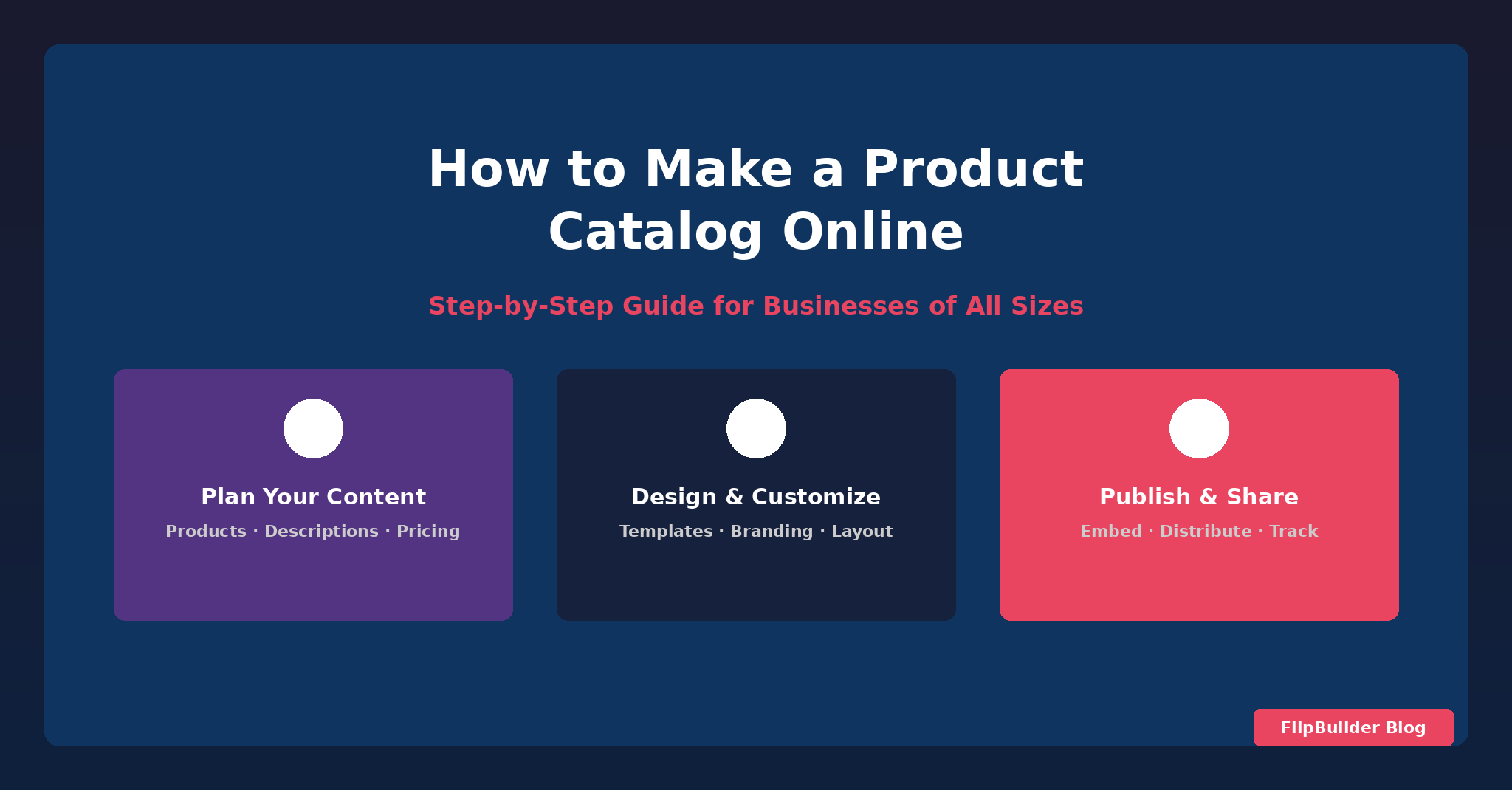
Dacă vrei să înveți cum să transformi un PDF într-un flipbook, consultă ghidul nostru ghid pas cu pasȘi pentru crearea de cataloage de produse online, consultați tutorialul nostru despre cum să creezi un catalog de produse online.
Conclusion
FlipBuilder simplifică procesul de creare a unor cataloage digitale profesionale și interactive. Datorită caracteristicilor sale robuste și ușurinței în utilizare, vă puteți transforma conținutul în experiențe captivante care atrag și fidelizează clienții.