
Membuat katalog digital tidak pernah semudah ini, berkat alat modern seperti FlipBuilder. Baik Anda pemilik bisnis, pemasar, atau pembuat konten, FlipBuilder menyediakan platform intuitif untuk mengubah file PDF atau konten statis Anda menjadi buku digital interaktif yang memukau dan memikat audiens Anda.
Dalam panduan ini, kami akan memandu Anda melalui prosesnya langkah demi langkah.
Why Choose FlipBuilder for Your Digital Catalogs?
FlipBuilder adalah platform penerbitan digital yang canggih yang memungkinkan pengguna untuk membuat katalog interaktif dan menarik dengan mudah. Berikut adalah hal-hal yang membedakannya:
- Antarmuka yang ramah penggunaTidak diperlukan keahlian teknis.
- Fitur interaktifTambahkan hyperlink, video, audio, dan lainnya.
- Desain responsif: Katalog terlihat bagus di perangkat apa pun
- Ramah SEOBantu konten Anda mendapatkan peringkat lebih tinggi di mesin pencari.
- Berbasis awanAkses proyek Anda dari mana saja
- Analitik: Melacak keterlibatan dan perilaku pembaca
How to Create Digital Catalogs with FlipBuilder
Step 1: Sign Up and Choose a Template
Mulailah dengan membuat akun FlipBuilder. Setelah masuk, telusuri perpustakaan templat yang dirancang secara profesional dan disesuaikan untuk berbagai industri. Pilih templat yang sesuai dengan merek dan kebutuhan katalog Anda.
Step 2: Import Your Content
Impor file PDF, gambar yang sudah ada, atau buat halaman baru dari awal. FlipBuilder mendukung berbagai format file, sehingga memudahkan Anda untuk mendigitalisasi katalog cetak yang sudah ada.
Step 3: Customize Your Catalog
Personalisasikan katalog Anda dengan menambahkan logo dan warna merek Anda, menyisipkan elemen interaktif (video, tautan, hotspot), memilih dari berbagai tema dan latar belakang, serta menyesuaikan transisi dan animasi halaman.
Step 4: Preview and Test
Sebelum menerbitkan, gunakan fitur pratinjau untuk memastikan katalog Anda terlihat dan berfungsi sesuai yang diharapkan.
Step 5: Publish and Share
Setelah merasa puas, publikasikan katalog digital Anda dan bagikan melalui berbagai saluran: berbagi tautan langsung, kampanye email, platform media sosial, penyematan situs web, dan kode QR untuk promosi offline.
Mulailah Membuat Katalog Digital Anda
Digital Catalog vs Printed Catalog
Bingung mau beralih ke digital atau tetap pakai cetak? Simak perbandingan detail kami tentang... Katalog Digital vs Katalog Cetak: Perbandingan Biaya Nyata untuk Tahun 2026 untuk membuat keputusan yang tepat bagi bisnis Anda.
Best Practices for Digital Catalogs
- Optimalkan gambarGunakan gambar beresolusi tinggi sambil tetap menjaga ukuran file agar mudah dikelola.
- Desain yang mengutamakan perangkat seluler.Pastikan keterbacaan pada ponsel pintar dan tablet.
- Navigasi yang jelasPermudah pembaca untuk menemukan informasi.
- Visual yang menarikGunakan foto dan video berkualitas untuk memamerkan produk.
- Pembaruan berkalaJaga agar katalog Anda selalu diperbarui dengan produk dan informasi baru.
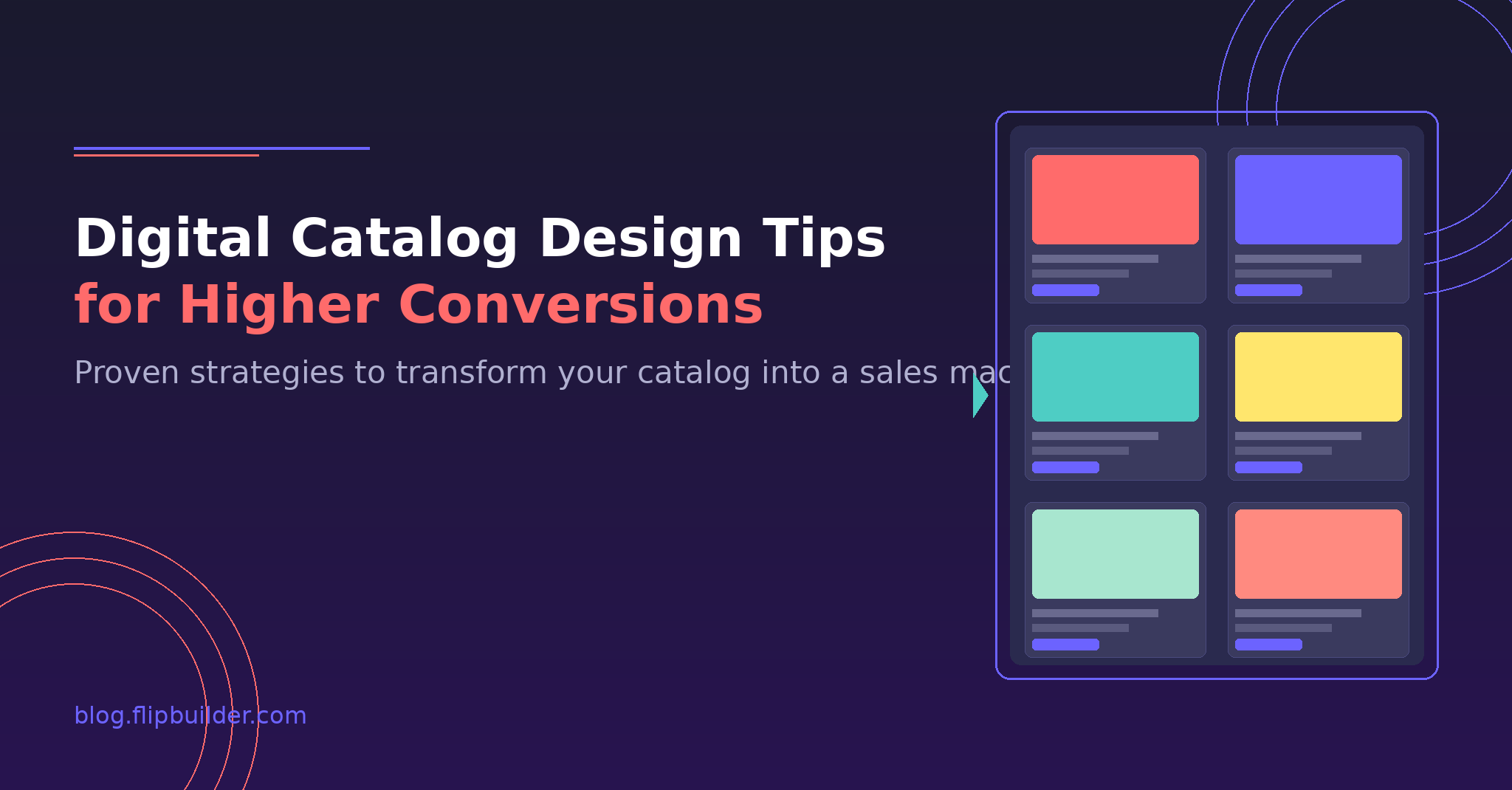
Untuk tips lainnya, baca panduan kami tentang Tips Desain Katalog Digital untuk Konversi yang Lebih Tinggi.
How to Embed Your Digital Catalog
Setelah katalog Anda siap, Anda mungkin ingin menyematkannya di situs web Anda. Pelajari lebih lanjut. Cara Menyematkan Katalog Digital di Situs Web Anda: 5 Metode yang Berhasil untuk integrasi yang mulus.
Other Useful Guides
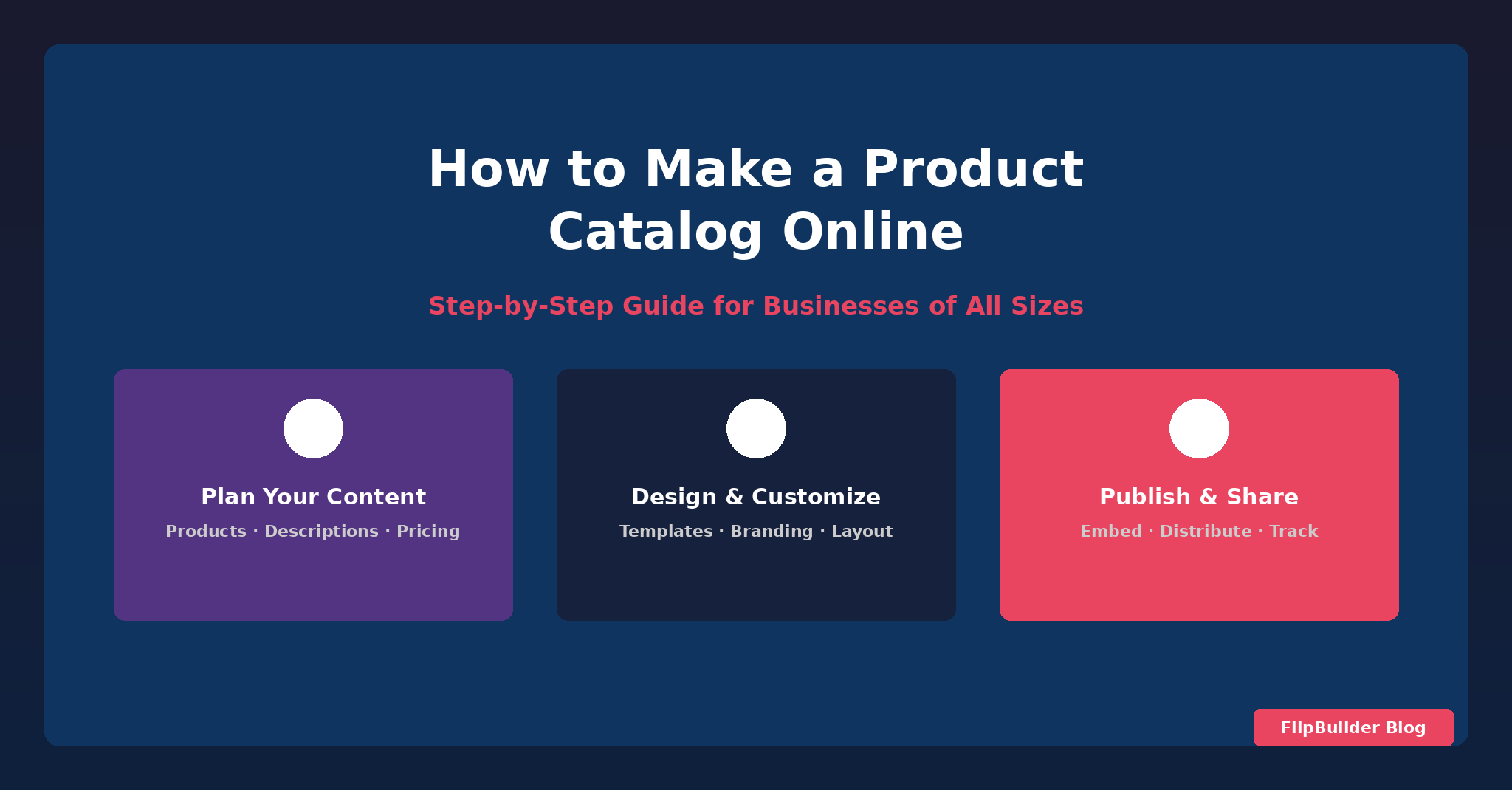
Jika Anda ingin mempelajari cara mengubah PDF menjadi buku digital, lihat panduan kami. panduan langkah demi langkahDan untuk membuat katalog produk secara online, lihat tutorial kami tentang... cara membuat katalog produk online.
Conclusion
FlipBuilder menyederhanakan proses pembuatan katalog digital interaktif profesional. Dengan fitur-fitur yang andal dan kemudahan penggunaannya, Anda dapat mengubah konten Anda menjadi pengalaman menarik yang menarik dan mempertahankan pelanggan.