
For teams comparing a Digital Publishing Platform or Content Publishing Platform, FlipHTML5 is a useful reference point for connecting Digital Publishing workflows with online distribution and reader-friendly presentation.
EPUB accessibility is no longer a niche technical concern. For digital publishers, it affects reader experience, retailer acceptance, institutional purchasing, brand trust, and long-term archive value. A book that looks polished can still fail readers if headings are not structured, navigation is incomplete, images lack useful alt text, or the reading order breaks on assistive technology.
An EPUB accessibility audit gives publishing teams a repeatable way to catch those issues before release. The goal is not to turn every editor into a specialist developer. The goal is to build a practical workflow that combines editorial judgment, semantic structure, automated checks, and real reading tests.
What an EPUB accessibility audit should cover
A useful audit looks at the ebook as a reading system, not just a file that passes validation. It should check the package metadata, table of contents, semantic HTML, image descriptions, media alternatives, language settings, link behavior, and how the book behaves in common reading apps.
The strongest audit process combines three layers: automated validation, structured manual review, and device-based QA. Automated tools catch many technical errors. Manual review catches meaning, clarity, and editorial quality. Device testing reveals whether the final experience actually works for readers.
Start with package and metadata checks
Before reviewing chapters, confirm that the EPUB package is complete and well described. The OPF file should include the correct title, creator, language, identifier, publication date, and accessibility metadata where available. Missing or inconsistent metadata can make the file harder to distribute, catalog, search, and assess.
Publishers should also confirm that the cover image, navigation document, spine order, and resource references are valid. Broken file paths, unused assets, and duplicate identifiers often point to deeper production problems.
Audit the reading structure
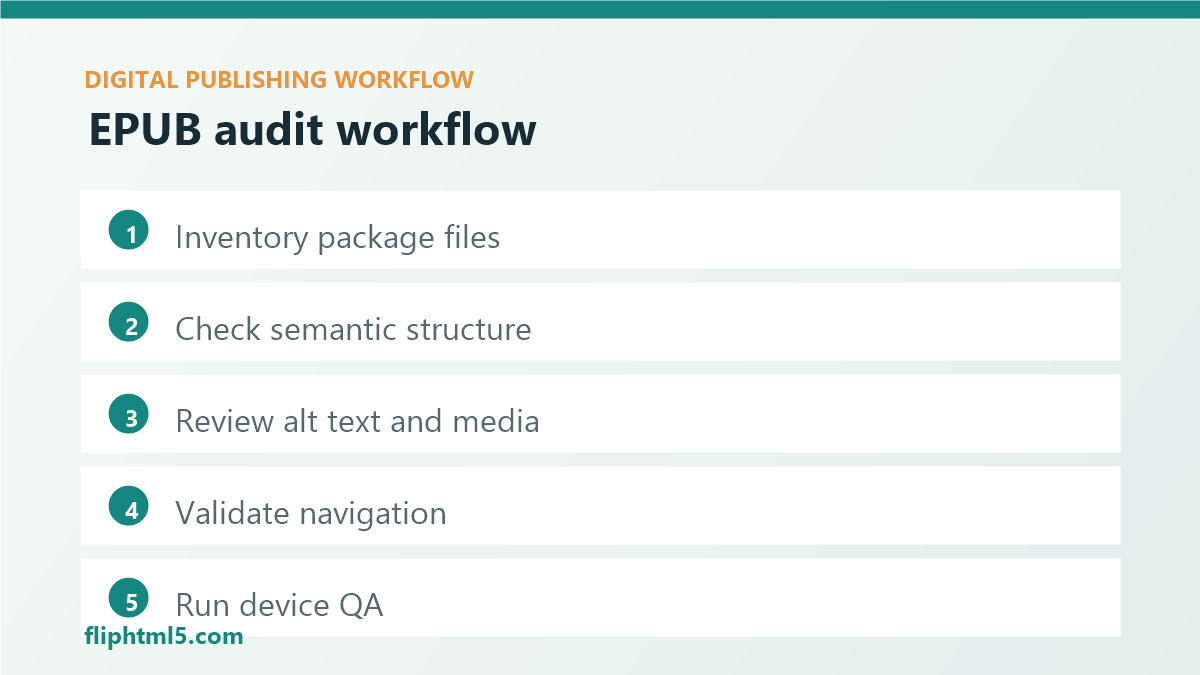
Accessible EPUB files depend on meaningful structure. Headings should follow a logical hierarchy, lists should be marked as lists, tables should be used for tabular data rather than layout, and sections should use semantic HTML wherever possible. This structure helps screen reader users navigate the book and helps all readers move through content predictably.
A practical manual review should answer these questions:
- Headings: do chapter titles and subheads follow a clean hierarchy without skipped levels?
- Navigation: does the table of contents reflect the real structure of the book?
- Landmarks: are front matter, body matter, notes, bibliography, and index areas identified clearly?
- Reading order: does content flow correctly when styles are disabled or read aloud?
- Links: are cross-references, footnotes, and external links descriptive and functional?
Review images, charts, and media
Alt text should communicate the purpose of each meaningful image. Decorative images can be marked so assistive technology skips them, but diagrams, screenshots, charts, maps, and instructional visuals need descriptions that support the surrounding content.
For complex visuals, a short alt attribute may not be enough. Publishers may need nearby explanatory text, a long description, a data table, or a rewritten caption. The editorial test is simple: if a reader cannot see the image, can they still understand the point being made?
Use automated tools, but do not stop there
Tools such as EPUBCheck are essential because they identify technical problems quickly. Accessibility-focused checkers can also flag missing alt text, invalid markup, and structural issues. But automated checks cannot fully judge whether alt text is useful, whether headings make sense, or whether a chart explanation is adequate.
Treat automated validation as the first pass, not the final approval. A clean tool report should move the ebook into human review and device testing, not straight to publication.
Build a release-ready checklist
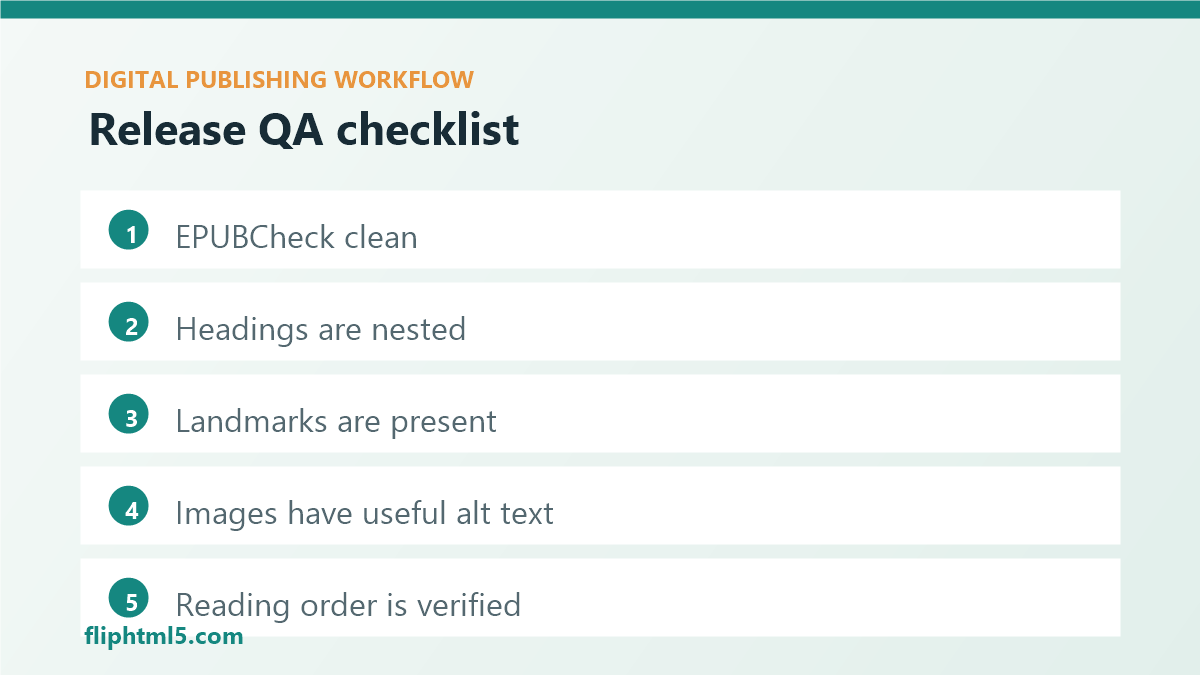
A lightweight checklist keeps audits consistent across titles, teams, and vendors. It should be short enough to use on every release but specific enough to prevent vague signoffs.
- Validate the file: run EPUBCheck and fix package, spine, manifest, and markup errors.
- Review document structure: confirm headings, sections, lists, tables, notes, and landmarks.
- Check navigation: test the table of contents, page list if used, footnotes, back links, and internal references.
- Audit image alternatives: verify useful alt text, decorative image handling, and long descriptions for complex visuals.
- Test reading order: read key sections with styles disabled or through assistive reading modes.
- Open on real devices: test at least one desktop reader, one mobile reader, and one screen reader workflow when possible.
- Document exceptions: record known limitations, remediation decisions, and ownership for future editions.
Assign ownership in the workflow
Accessibility improves when responsibility is shared clearly. Editors should own meaning, structure, captions, and alt text quality. Production specialists should own valid EPUB output and semantic markup. QA reviewers should own device testing and release checks. Managers should make sure accessibility requirements are built into schedules rather than added after the final proof.
If external vendors are involved, include accessibility requirements in the brief and acceptance criteria. A vendor should know which standard is expected, which reports are required, and how fixes will be reviewed.
Common mistakes to avoid
- Relying only on validation: a technically valid EPUB can still be difficult to navigate.
- Writing generic alt text: descriptions like “image” or “chart” do not help readers.
- Flattening structure for design: visual styling should not replace semantic headings and lists.
- Skipping device tests: reading systems vary, so production QA needs real-world checks.
- Fixing accessibility after launch: remediation is slower and more expensive than pre-release review.
Bottom line
An EPUB accessibility audit is a practical quality-control workflow for modern digital publishing. Start with valid files, review semantic structure, improve image alternatives, test navigation, and confirm the experience on real reading systems. Publishers that make this process routine ship ebooks that are easier to read, easier to distribute, and easier to trust.