Source file hygiene for digital publishers is the practice of keeping every editable file, export, image, rights note, metadata field, and revision easy to identify, reuse, audit, and hand off. It sounds operational, but it has a direct effect on publishing speed, quality, SEO, accessibility, and reader experience.
When source files are messy, small tasks become expensive. Teams lose the latest cover image, publish the wrong PDF, rebuild a graphic from a flattened export, reuse an image without rights context, or send a designer hunting through 12 folders. Clean source file hygiene prevents that rework before it reaches the CMS.
Concluzii cheie
- Source file hygiene reduces rework by making editable assets, exports, metadata, and approvals findable.
- A useful asset package includes 6 core parts: editable source, approved export, web images, alt text, rights notes, and revision history.
- File names should describe content type, project, version, status, language, and date in a predictable order.
- Digital publishers should separate working files from approved files so outdated drafts do not reach readers.
- The best hygiene system is simple enough for editors, designers, marketers, and freelancers to follow every week.
Cuprins
- Why source file hygiene matters
- Build a standard asset package
- Use file names that carry context
- Separate drafts, exports, and approved assets
- Keep rights and accessibility notes close
- Turn hygiene into a lightweight review
Why source file hygiene matters
Digital publishing depends on more than finished copy. A single article or flipbook may require a source document, design file, compressed images, featured image, screenshots, captions, alt text, metadata, tracking links, transcript, approval notes, and a final export. If those pieces live in scattered folders with vague names, production slows down.
For teams using a Platformă de publicare digitală or a Platformă de publicare a conținutului, file hygiene matters even more because one source asset often becomes several reader experiences. A catalog may become an online flipbook, a landing page, a downloadable PDF, a newsletter feature, social images, and a sales resource. Every version needs clear ownership and status.
Good hygiene is not bureaucracy. It is a way to protect momentum. Editors can confirm which version is approved. Designers can update editable artwork instead of recreating it. SEO owners can check metadata before launch. Future refreshes can start from the right source instead of the published page alone.
Build a standard asset package
Start by defining what a complete asset package looks like. The goal is to make every publication easy to publish, update, localize, repurpose, and archive. For many teams, one package per article, issue, catalog, report, or campaign is enough.
| Package part | What it includes | Why it matters |
|---|---|---|
| Editable source | Document, layout, design, or spreadsheet file | Supports future edits without rebuilding |
| Approved export | Final PDF, HTML, EPUB, video, or image set | Shows what was actually published |
| Web images | Featured image, inline graphics, thumbnails, social previews | Improves readability and reuse |
| Metadata | Title, slug, excerpt, meta description, category, tags, canonical URL | Protects discovery and consistency |
| Rights notes | License, creator, source, usage limits, expiration date | Reduces asset misuse risk |
| Revision history | Review status, approval date, change notes, owner | Makes updates accountable |
A simple package structure can have 5 folders: source, exports, images, metadata, și archive. Add a short readme when a package has unusual rights, localization needs, data sources, or future review rules.
Use file names that carry context
A useful file name should be readable without opening the file. It should answer what the asset is, what project it belongs to, which version it is, what status it has, and when it was last approved. This helps humans scan folders and helps automation identify assets safely.
Use one predictable pattern. For example: project-contenttype-language-status-version-date.ext. A finished English cover for a buyer guide might become buyer-guide-cover-en-approved-v03-2026-08-28.png. A working layout could be buyer-guide-layout-en-draft-v04-2026-08-28.indd.
Keep the pattern short enough to use. Avoid vague names such as final-final2.png, new-cover.png, or updated.pdf. Those names force people to open files, compare timestamps, and guess. A clean naming convention removes that guesswork.
Separate drafts, exports, and approved assets
The biggest source file problem is mixing draft material with approved material. Working files change often. Approved files should represent the version that can be published, reused, or sent to another team. Keep those states visibly separate.
Use status labels such as draft, review, approved, published, superseded, and archived. A file should move forward through those statuses instead of accumulating unclear copies. If an asset is replaced after publication, mark the old asset as superseded instead of deleting it immediately. This gives the team a trail when questions come up later.
This separation also protects SEO and accessibility. A draft image may not have final alt text. A preliminary PDF may not have a clean reading order. A review document may include comments that should not be public. Approved assets should pass the checks that matter to readers.
Keep rights and accessibility notes close
Rights and accessibility details are often treated as separate admin tasks. They should live near the files they govern. When an editor reuses an illustration, screenshot, template, or customer quote 8 months later, the package should make the rules obvious.
For rights, record the creator, source, license, allowed channels, modification rules, expiration date, and any required credit. For accessibility, keep alt text, caption text, transcript status, reading-order notes, color-contrast concerns, and language variants close to the final asset.
A compact metadata file can prevent many mistakes. It does not need to be complex. A spreadsheet, markdown file, or CMS note can work as long as it travels with the asset package and stays current during updates.
Turn hygiene into a lightweight review
Source file hygiene should be reviewed before publication and before major refreshes. The review should take 10 to 15 minutes for a normal article package and longer only for complex reports, catalogs, or multilingual editions.
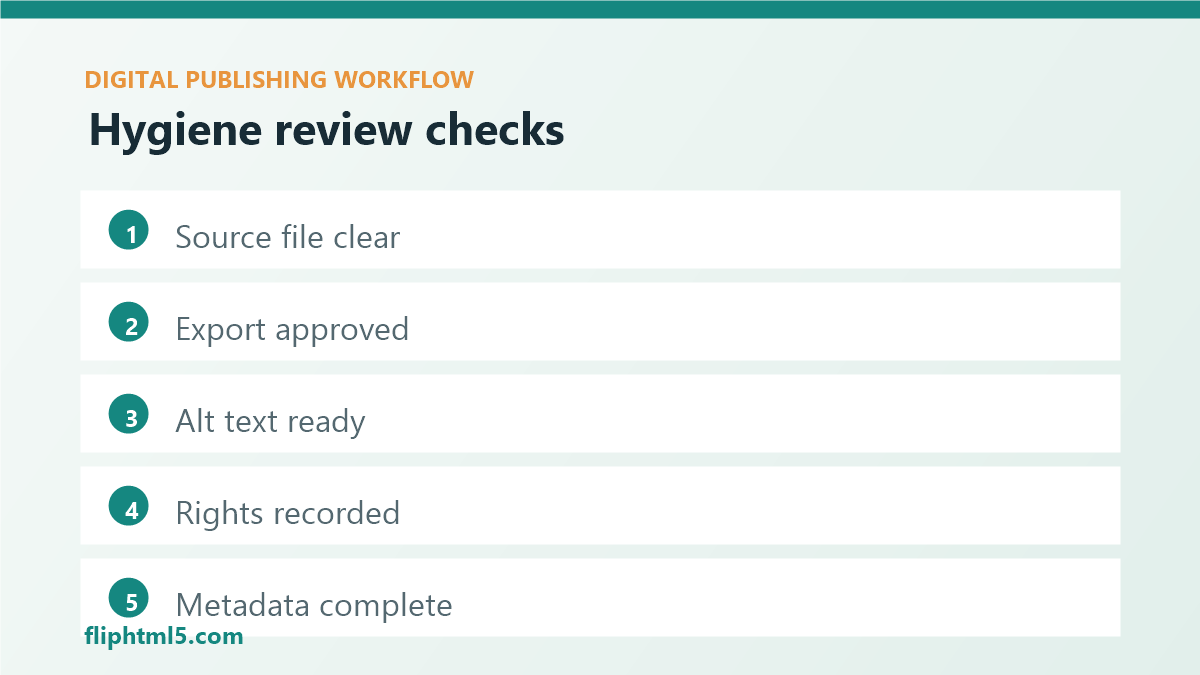
| Review question | Pass condition | Owner |
|---|---|---|
| Is the latest source file obvious? | One approved source is clearly labeled | Editor or producer |
| Are final exports separated? | Published files sit outside draft folders | Designer or producer |
| Do images include alt text? | Featured and inline images have descriptive text | Editor |
| Are rights notes present? | License and usage limits are recorded | Asset owner |
| Is metadata complete? | Title, slug, excerpt, category, tags, and canonical plan are ready | SEO or content owner |
A practical source file hygiene workflow
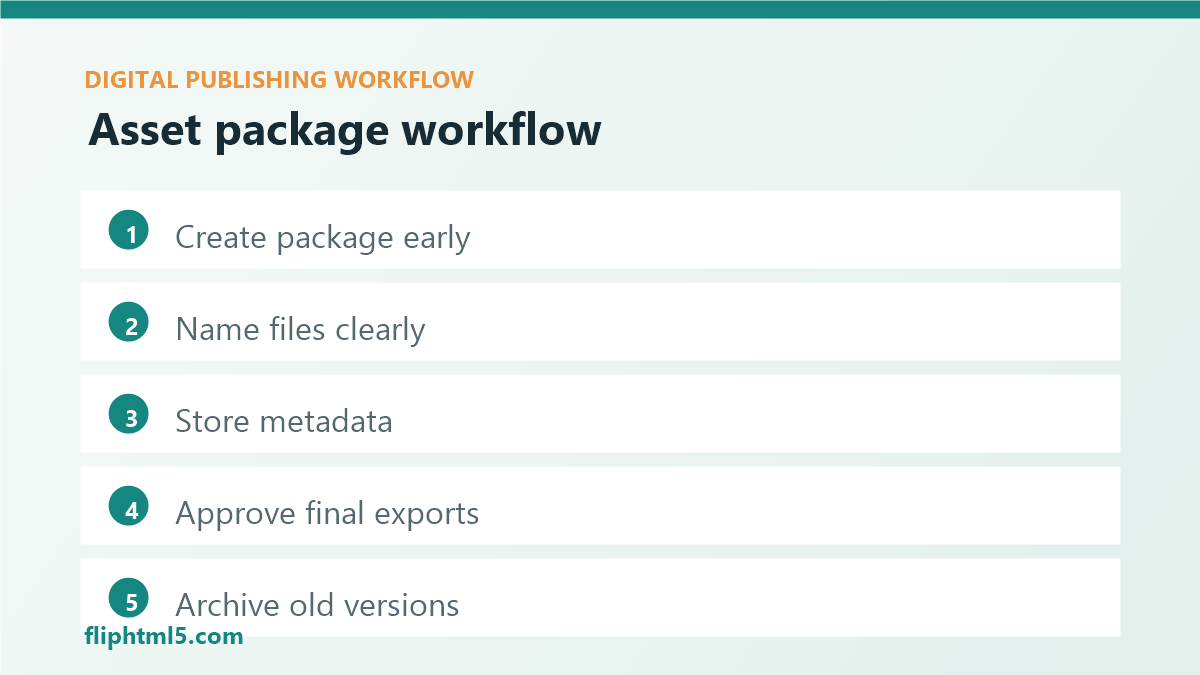
- Create the package early: open a folder or project record as soon as the brief is approved.
- Name files before review: require meaningful names before assets move to editorial or design review.
- Store metadata with the assets: keep the SEO title, slug, excerpt, image alt text, and rights notes in one place.
- Promote only approved files: move final files into an approved or published area after signoff.
- Archive superseded versions: keep replaced assets available, but label them so they are not reused accidentally.
- Review during refreshes: update source files, exports, metadata, and rights notes when the article changes.
Greșeli frecvente de evitat
- Relying on timestamps only: modified dates do not explain approval status, channel, language, or rights.
- Saving only flattened exports: a PNG or PDF may be publishable, but it may not be editable when a refresh is needed.
- Using personal folders as the system of record: assets should outlive one person’s desktop or inbox.
- Separating files from metadata: titles, captions, alt text, rights, and source notes should travel with the asset package.
- Overbuilding the process: a complicated taxonomy that nobody follows is worse than a simple convention used every day.
Întrebări frecvente
What is source file hygiene in digital publishing?
Source file hygiene is the practice of organizing editable files, final exports, images, metadata, rights notes, and revision history so publishing teams can find, update, reuse, and audit assets without confusion or avoidable rework.
What should be included in a digital publishing asset package?
A digital publishing asset package should include the editable source file, approved export, web-ready images, title and metadata, excerpt, alt text, category and tag choices, rights notes, owner, approval status, and a short revision history.
How often should publishers review source files?
Publishers should review source files before launch, during major content refreshes, and whenever assets are reused for a new channel or language. High-value evergreen content should also receive scheduled hygiene checks so outdated exports and missing rights notes do not accumulate.
Concluzie
Source file hygiene for digital publishers turns file management into a quality system. When teams use consistent packages, clear naming, separated approval states, rights notes, accessibility details, and lightweight reviews, they publish faster and make future updates less painful.