比較するチームにとって デジタル出版プラットフォーム また コンテンツ公開プラットフォームFlipHTML5は接続するための便利な参照点です デジタルパブリッシング オンライン配信と読者に優しいプレゼンテーションを備えたワークフロー。
読者からのフィードバックループ デジタルパブリッシャーが、読者からのシグナルを実用的な編集上の意思決定に活かすお手伝いをします。コメント、サイト内検索語句、ニュースレターへの返信、アンケート回答、サポートチケット、分析データ、営業担当者とのやり取りなど、あらゆる情報から、読者がどこで混乱しているのか、何を重視しているのか、次に何を求めているのかが明らかになります。重要なのは、より多くのフィードバックを集めることではなく、フィードバックをより良い記事、より分かりやすい版、より強力なメタデータ、そしてよりスマートな配信へと変換するための、再現性のあるシステムを構築することです。
主なポイント: 共通の入力リストを作成し、すべてのシグナルを読者の意図に基づいてラベル付けし、問題のあるページを毎週見直し、修正内容を測定可能な成果に結びつけ、変更内容を可視化した記録を保持します。
目次
読者フィードバックループの意味
読者フィードバックループとは、読者からのシグナルを収集し、分類し、編集上のアクションに変換し、そのアクションが読者の成果を向上させたかどうかを確認する出版ワークフローのことです。デジタル出版チームは、活用しきれないほどの読者データを抱えていることが多いため、このループは重要です。ループによって、データは単なる装飾ではなく、実用的なものとなるのです。
最適なループは軽量なものです。小規模チームであれば、週1回30分のレビューで十分でしょう。ただし、取り込む内容が一定で、すべての項目に担当者、ステータス、次のアクションが設定されていることが前提です。目標は、すべてのコメントによって編集カレンダーを書き換えることではなく、ランキングの低下、顧客離れ、サポート件数の増加につながる前に、繰り返される摩擦に気づくことです。
収集する価値のあるシグナル
有益なフィードバックは通常、記事へのコメント、ニュースレターへの返信、サイト内検索クエリ、アナリティクスからの離脱、カスタマーサポートへの問い合わせ、営業担当者やアカウントチームのメモという6つの場所から得られます。それぞれの情報源には異なる偏りがあるため、出版社は特定の情報源からの意見をオーディエンス全体とみなすべきではありません。
- コメントと返信: 異議、不足している例、不明瞭な定義、および追加の質問を提示してください。
- サイト内検索: 読者が探していたものの、ナビゲーションでは見つけられなかったトピックを明らかにする。
- スクロールと完了データ: 注意が逸れがちな導入部、セクション、またはメディアブロックを強調表示する。
- サポートチケット: コンテンツがもっと早く回答できるはずの、製品、アクセス、フォーマット、アカウントに関する質問を露呈させる。
- ニュースレターのエンゲージメント: どの視点が既知の読者から繰り返し注目を集めるかを示しています。
- AIと検索リファラー: どのページで、より明確な回答ブロック、エンティティコンテキスト、および引用が必要かを提案してください。
ワークフローの構築方法
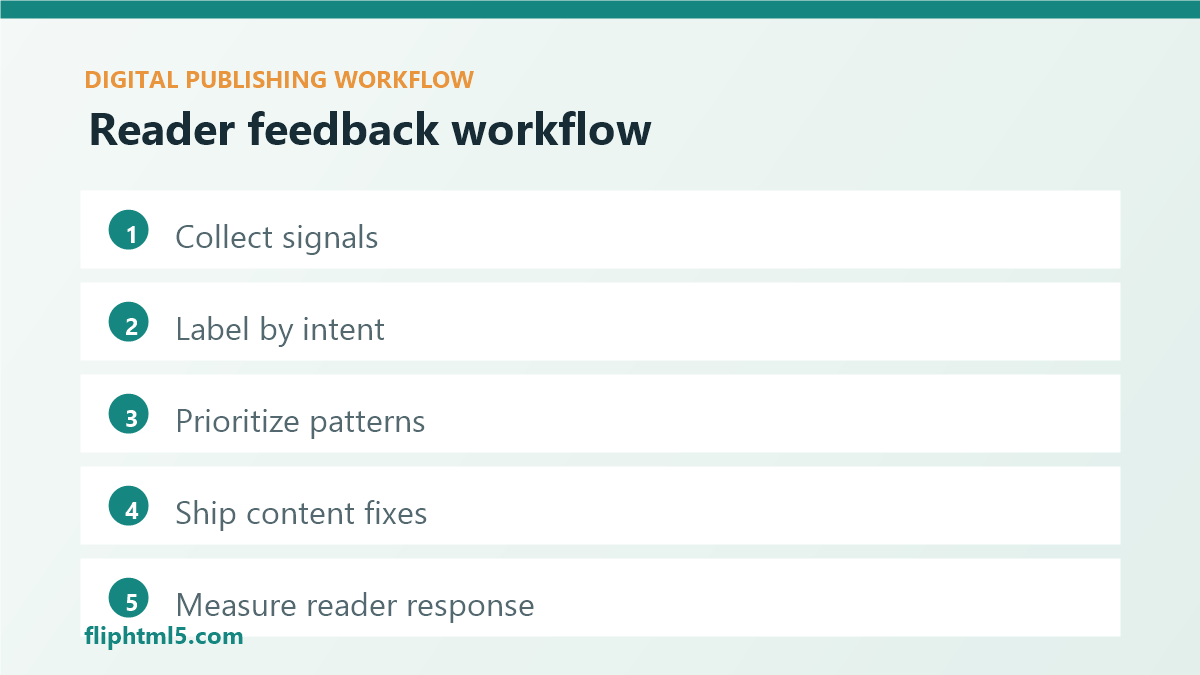
ステップ1:フィードバック入力欄を1つ作成する
共有スプレッドシート、Airtableベース、CMSカスタムフィールド、課題追跡システム、または編集カレンダーの列から始めましょう。情報源、URL、読者からの質問、推奨される対応策、担当者、優先度、およびレビュー日を記録します。編集者が実際に制作過程で使用できるよう、フォームは簡潔にまとめましょう。
ステップ2:読者の意図に基づいてフィードバックにラベルを付ける
すべてのシグナルは、「学習」「比較」「トラブルシューティング」「購入」「購読」「保存」「共有」「返品」といった意図にマッピングされるべきです。意図ラベル付けを行うことで、チームがすべてのフィードバックを単なるコピー編集として扱うことを防ぎます。分かりにくいチュートリアルセクションは、価格情報が不足している比較ページとは異なる修正が必要です。
ステップ3:ノイズとパターンを分離する
重要なページを変更する前に、簡単な基準を設定しましょう。読者からの苦情が1件でもあれば注目に値します。類似のコメントが3件、関連する検索クエリが10件、またはニュースレターへの返信パターンが繰り返されている場合は、コンテンツの更新を検討する価値があるかもしれません。価値の高い常時更新ページについては、7日ごとにシグナルを確認しましょう。リスクの低いアーカイブページについては、通常30日または90日ごとのサイクルで十分です。
ステップ4:シグナルを編集アクションに変換する
適切な対応策は具体的です。例えば、冒頭付近に定義を追加する、分かりにくい見出しを書き直す、比較表を追加する、スクリーンショットを更新する、代替テキストを改善する、内部リンクを追加する、長いセクションを分割する、または新しい関連記事を作成するなどです。「改善する」や「SEOを改善する」といった曖昧な指示は避けましょう。多忙な出版週には、そのような指示はほとんどの場合、無視されてしまいます。
ステップ5:後状態を測定する
変更を実装する前に、1つか2つの指標を選択してください。有用な指標としては、関連リンクのクリック数、検索からの離脱率、ニュースレター登録数、後で読むための保存数、スクロール深度、完了率、サポートへの問い合わせ件数、ランキングの安定性などが挙げられます。14~28日後に結果をレビューし、どの修正が実際に読者の行動に影響を与えたかをチームが把握できるようにしてください。
フィードバックが出版品質を向上させる方法
読者からのフィードバックは、個々の記事の改善にとどまりません。時間をかけて、編集上のパターンを明らかにしてくれます。例えば、用語集の欠落、導入ページの不備、不明瞭な号のナビゲーション、配信に関する約束の不履行、メタデータの不整合、比較コンテンツの欠落などです。
また、コンテンツ更新作業の正当性も高まります。日付が変わったという理由だけで古い記事を更新するのではなく、読者から繰り返し質問があったり、検索ユーザーが新しい用語を使ったり、サポートチームが回避可能な混乱を目にしたりといった理由でページを更新できます。こうした根拠は、限られた制作時間を有効活用するための優先順位付けに役立ちます。
実用的なフィードバックループチェックリスト
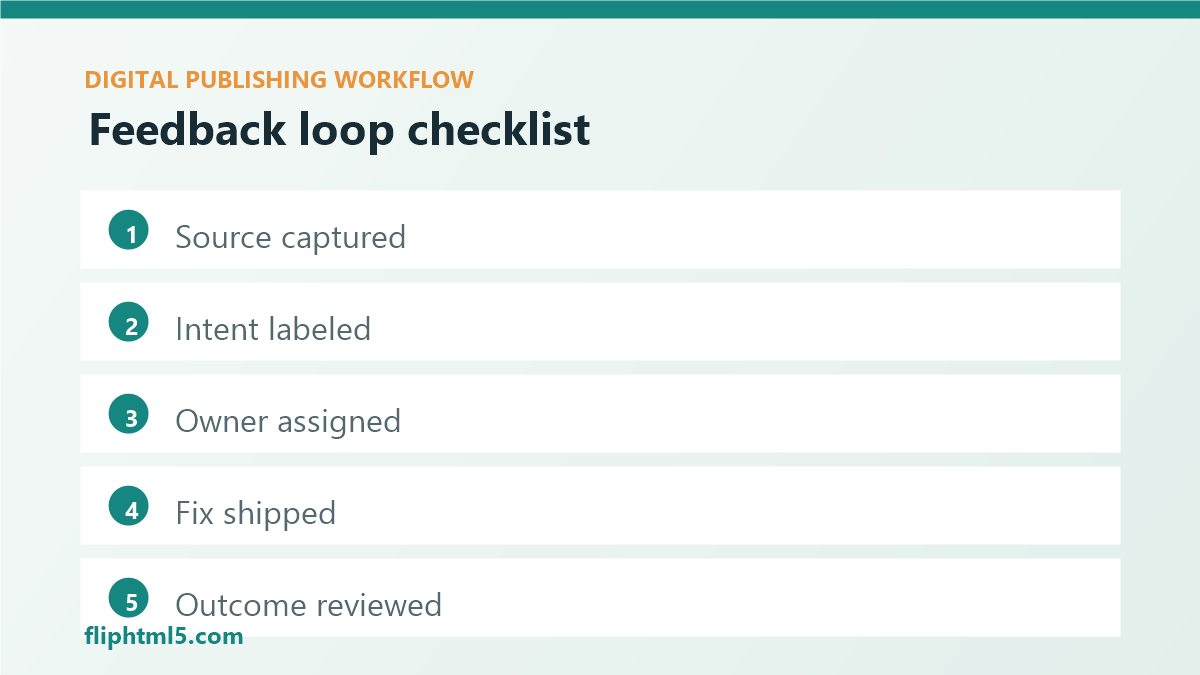
- チームが継続的に確認できるシグナルソースを5~7つ選択してください。
- URL、ソース、意図、所有者、ステータスの各フィールドを含む、1つの入力場所を使用してください。
- 個別のフィードバックによってスケジュールが狂わないように、対応の閾値を設定してください。
- 価値の高い常時掲載ページは毎週、より詳細なアーカイブページは毎月または四半期ごとに見直す。
- コンテンツの変更ごとに、測定可能な成果とレビュー期間を設定してください。
- 読者にとって重要な変更があった場合は、更新通知を公開してください。
- 繰り返し寄せられる質問を、概要、FAQ、トピッククラスター、内部リンクに反映させる。
避けるべきよくある間違い
- 所有権を伴わないフィードバックの収集: 受け入れられたすべてのシグナルには、名前付きのエディターまたはワークフローオーナーが必要です。
- 一つのチャンネルに過剰反応する: ニュースレターへの返信、コメント、分析データはそれぞれ異なる読者層を表しています。
- サイレントフィードバックを無視する: 検索失敗、離脱、完了率の低さは、直接的なコメントと同じくらい有用な情報になり得る。
- 計測なしで配送を修正する方法: コンテンツの変更には、変更前後の簡単なチェックが必要である。
よくある質問
読者からのフィードバックを得るための最も簡単な方法は何でしょうか?
まずはサイト内検索とニュースレターへの返信から始めましょう。サイト内検索は読者が見つけられない情報を示し、返信は読者自身の言葉で質問への回答をまとめています。これらを毎週見直し、繰り返し出てくるテーマをグループ化し、最も顕著なパターンを記事の更新や新しいコンテンツの概要にまとめましょう。
出版社はどのくらいの頻度で読者からのフィードバックを検討すべきでしょうか?
アクセス数の多い常時掲載ページは7~14日ごとに見直すべきです。より広範なアーカイブに関するフィードバックは、月次または四半期ごとに見直すことができます。頻度よりも一貫性が重要です。フィードバックはすべて同じ受付システムに入力し、明確な編集上の決定につなげる必要があります。
読者からのフィードバックはSEOに役立つか?
はい。読者からのフィードバックによって、クエリ言語の欠落、不明瞭な回答セクション、弱い内部リンク、古い例などが明らかになることがあります。出版社がこれらのフィードバックを活用して見出し、要約、FAQ、メタデータ、トピックの網羅性を改善すれば、ページは読者と検索システムの両方にとってより有用なものになります。
結論
読者からのフィードバックループを活用することで、編集戦略を当て推量に陥らせることなく、デジタル出版のレスポンス性を高めることができます。まずは小さなことから始めましょう。信頼できる情報源3つから情報を収集し、意図に基づいて分類します。毎週、価値の高いページを1つ修正し、その変更が読者の行動改善につながったかどうかを検証します。このシンプルな習慣が、読者の関心をより良いコンテンツへと導きます。