
Content decay monitoring gives digital publishers an early warning system for articles, flipbooks, resource hubs, product guides, and landing pages that are slowly losing usefulness. A page can decay because search intent changes, screenshots become outdated, internal links break, examples age, competitors publish stronger resources, or the reader journey no longer matches the promise in the headline.
The most costly decay is usually quiet. Traffic does not always collapse overnight. Instead, impressions soften, click-through rate slips, rankings drift from page one to page two, newsletter clicks fade, or readers stop moving from the article into a related digital edition. By the time the team notices, the page may need a full rebuild instead of a simple refresh.
Key takeaways
- Content decay monitoring helps publishers find weak pages before rankings, trust, and conversions fall too far.
- The best signals combine search performance, reader behavior, editorial freshness, link health, and business relevance.
- Not every declining page deserves a rewrite. Some need metadata updates, stronger internal links, new images, consolidation, or retirement.
- A refresh queue works best when pages are scored by risk, opportunity, and production effort.
- Digital publishers should track decay across web articles, flipbooks, downloadable assets, newsletters, and archive pages.
Sommario
- What content decay means in digital publishing
- Signals worth monitoring
- How to prioritize refresh work
- Refresh options beyond rewriting
- A practical monitoring workflow
- Content decay checklist
For teams using a Piattaforma di pubblicazione digitale o Piattaforma di pubblicazione dei contenuti, decay monitoring should include more than standard blog analytics. The web page, embedded flipbook, download path, media captions, calls to action, and related content links all shape whether a reader still finds the asset useful.
What content decay means in digital publishing
Content decay is the gradual loss of performance, accuracy, relevance, or reader value after publication. It can happen to high-performing evergreen articles, seasonal guides, knowledge-base pages, product explainers, case studies, and digital editions that once worked well.
In digital publishing, decay has several forms. A search-focused article can lose visibility because competitors answer the topic more completely. A flipbook can feel stale because its cover, examples, or navigation no longer reflect the current offer. A resource page can still get traffic but fail readers because the internal links point to outdated editions. A newsletter archive can attract visitors but provide no clear next step.
The goal is not to keep every page permanently perfect. The goal is to identify which assets still matter, understand why their value is slipping, and choose the smallest useful intervention. Sometimes the right move is a refresh. Sometimes it is consolidation. Sometimes the page should be redirected or retired.
Signals worth monitoring
A reliable decay model blends quantitative data with editorial judgment. Search data tells you where visibility is changing. Behavior data shows whether readers still engage. Editorial review explains whether the content is still accurate and useful.
Content decay signal map
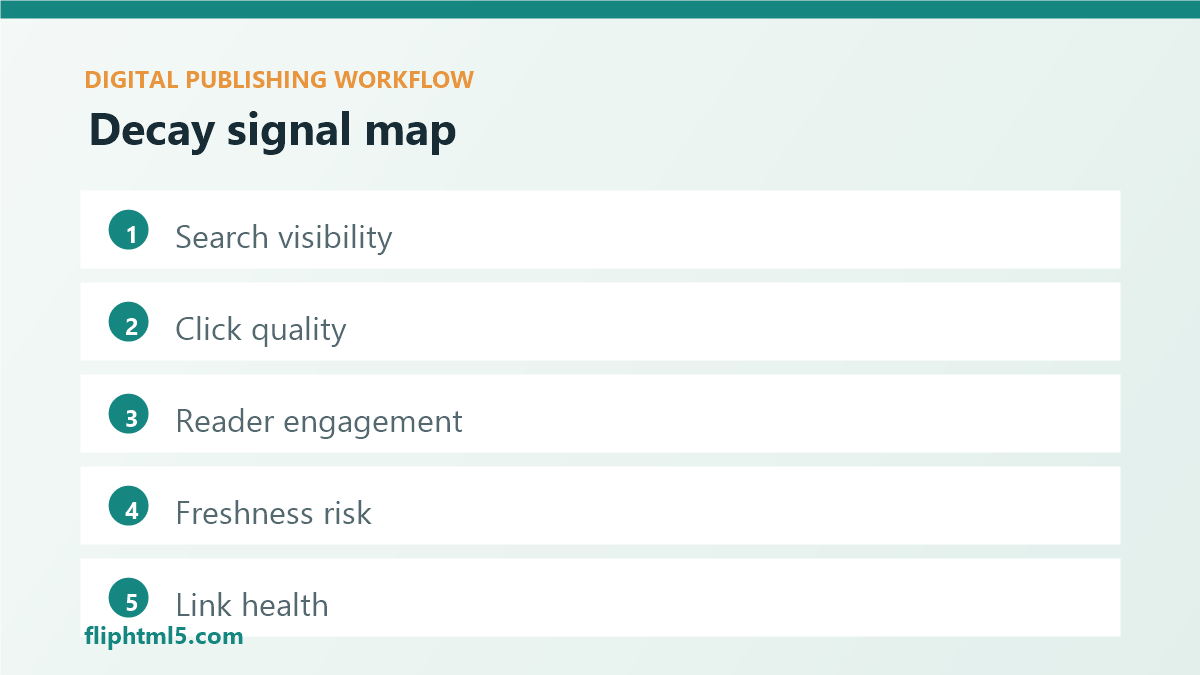
- Search visibility: falling impressions, lower average position, fewer ranking keywords, or loss of rich results.
- Click quality: declining click-through rate, weaker title performance, or a mismatch between query intent and page promise.
- Reader engagement: lower scroll depth, shorter engaged sessions, fewer saves, fewer downloads, or fewer clicks into related editions.
- Freshness risk: old screenshots, outdated tool names, expired statistics, changed product details, or examples tied to past events.
- Link health: broken links, redirects, missing embeds, outdated internal recommendations, or orphaned archive pages.
- Business relevance: pages tied to active campaigns, sales journeys, customer education, product launches, or strategic topics.
No single signal proves a page is decaying. A page may lose traffic because the season ended. Another may lose clicks because search results now answer more of the question directly. A third may keep traffic but stop converting because the call to action is buried or the linked flipbook is no longer the strongest asset. Review signals together before assigning work.
How to prioritize refresh work
Most publishing teams have more aging content than available editing time. A simple priority score helps editors decide what to fix first.
Start with three questions. First, how much value does the page still have if it recovers? Second, how serious is the decay? Third, how hard is the fix? A page with strong historical traffic, high commercial relevance, and outdated examples may deserve immediate attention. A low-traffic announcement from several years ago may not.
Refresh priority framework
- Protect winners: watch historically strong pages for early ranking, click, and engagement declines.
- Recover near-winners: find pages ranking near the first page of search results where improved depth, freshness, or metadata could lift performance.
- Repair trust risks: update pages with outdated claims, broken links, missing images, inaccessible embeds, or old product references.
- Support current campaigns: refresh content that feeds active newsletters, sales materials, flipbook campaigns, or paid promotion.
- Consolidate overlap: merge pages that compete for the same intent or split useful signals across several weak URLs.
- Retire low-value pages: redirect or archive content that no longer serves readers or the publishing strategy.
This framework keeps the refresh queue from becoming a list of everything old. Age alone is not the problem. Unmanaged relevance is the problem.
Refresh options beyond rewriting
A content refresh does not always mean rewriting the entire article. The best update depends on the decay pattern.
If impressions are stable but click-through rate is falling, start with the title tag, meta description, visible intro, and search result promise. If readers arrive but leave quickly, improve the opening answer, table of contents, examples, scannability, and next steps. If engagement is strong but conversions are weak, review calls to action, related flipbooks, internal links, and download prompts.
If the content is accurate but visually stale, update screenshots, diagrams, captions, and feature images. If the topic has expanded, add missing sections, frequently asked questions, comparison points, or a stronger summary. If several similar articles exist, consolidate them into one clearer resource and redirect the weaker URLs.
Common refresh actions
- Metadata update: rewrite title tags, descriptions, excerpts, categories, and tags to match current reader intent.
- Content expansion: add missing steps, definitions, examples, FAQs, and decision criteria.
- Media refresh: replace outdated screenshots, covers, diagrams, charts, or embedded digital editions.
- Internal-link repair: connect the page to newer guides, related flipbooks, product pages, and archive paths.
- Accessibility repair: add alt text, improve headings, replace vague link text, and check embedded media labels.
- Consolidation: merge overlapping content and redirect weaker pages to the strongest destination.
A practical monitoring workflow
Content decay monitoring works best as a recurring editorial operation, not a one-time audit. A monthly review is enough for many teams, while high-volume publishers may need a weekly queue for strategic topics.
Monthly content decay workflow
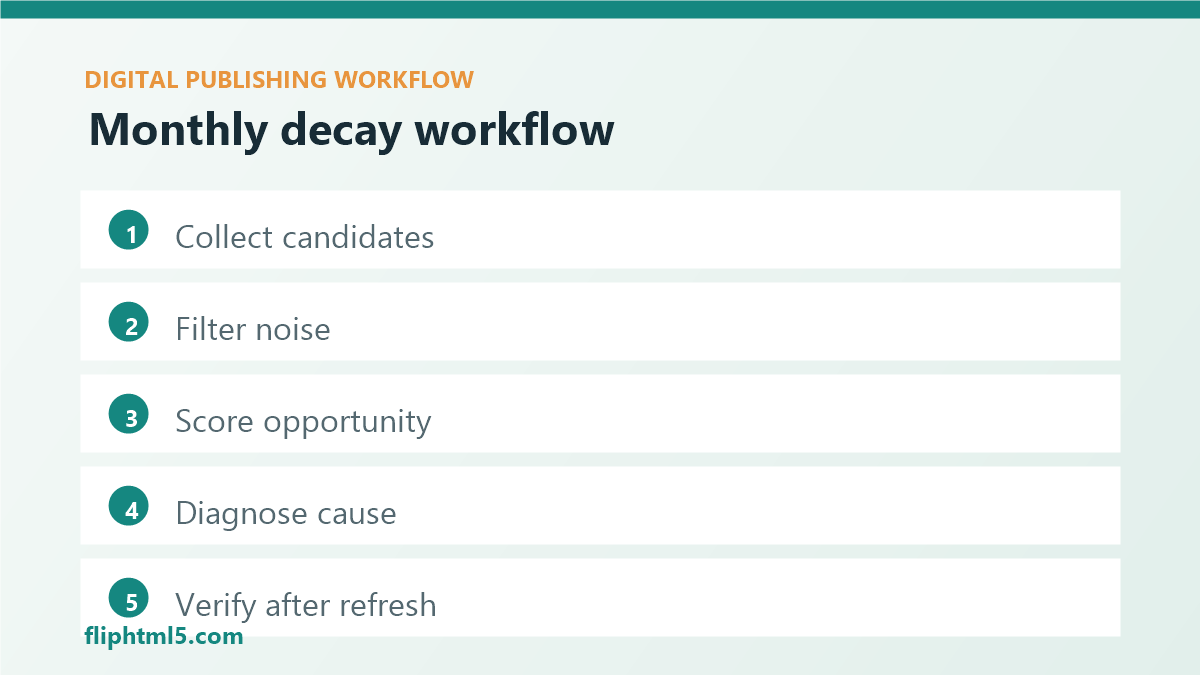
- Collect candidates: export pages with declining impressions, clicks, rankings, engagement, conversions, or link health.
- Filter noise: remove expected seasonal declines, one-time news items, and pages that no longer support the strategy.
- Score opportunity: rate each page by historical value, current risk, business relevance, and estimated effort.
- Diagnose cause: decide whether the issue is search intent, freshness, structure, media, links, accessibility, or conversion path.
- Assign action: choose refresh, expand, update metadata, repair links, consolidate, redirect, or retire.
- Verify after publishing: track the updated date, changed sections, recrawl status, rankings, clicks, engagement, and next-step actions.
Document what changed. A short update note helps future editors understand whether the page was refreshed for accuracy, SEO, reader experience, conversion support, or technical cleanup. It also prevents the same page from being reworked without a clear reason.
Content decay checklist
Use this checklist before placing a page in the refresh queue.
Pre-refresh review
- Has search visibility declined for important queries?
- Has click-through rate dropped while impressions stayed useful?
- Are readers scrolling, saving, downloading, or clicking related assets less often?
- Are screenshots, statistics, product names, examples, or recommendations outdated?
- Do internal links point to the strongest current articles, flipbooks, and landing pages?
- Does the page still match current search intent and reader expectations?
- Does the page support an active business, editorial, or audience goal?
- Would a rewrite, partial update, consolidation, redirect, or retirement serve readers best?
How to measure the result
After a refresh, measure both visibility and usefulness. Search clicks may take time to recover, but reader signals can improve sooner. Watch scroll depth, clicks into related editions, newsletter signups, downloads, saves, and assisted conversions. For a digital edition, also check whether readers open the embedded asset, navigate beyond the first pages, and follow the intended calls to action.
Do not judge every refresh after a few days. Give search engines time to recrawl and readers time to interact. However, verify the basics immediately: the page published correctly, images render, links work, metadata is present, the canonical URL is correct, and any updated flipbook or downloadable asset is accessible.
Domande frequenti
What is content decay?
Content decay is the gradual decline of a published page’s performance, accuracy, freshness, or usefulness. It can affect search rankings, reader engagement, conversions, internal links, and trust.
How often should publishers check for content decay?
Most teams should review important evergreen content monthly. High-volume publishers, active product teams, and sites with fast-changing topics may need weekly monitoring for strategic pages.
Should every old article be refreshed?
No. Age is only one signal. Refresh pages that still have reader value, search opportunity, business relevance, or trust risk. Retire or consolidate pages that no longer serve a useful purpose.
Conclusione
Content decay monitoring helps digital publishers protect the long-term value of their archives. By watching visibility, engagement, freshness, links, and business relevance, teams can refresh the right pages at the right time. The result is a healthier publishing system: fewer stale resources, clearer reader journeys, stronger evergreen performance, and a content archive that keeps earning attention after the first publication date.