Digital asset inventories help publishers turn scattered creative files, PDFs, flipbooks, article images, screenshots, templates, charts, and campaign graphics into a content library the whole team can actually use. Without an inventory, useful assets disappear into folders, old drives, chat threads, project exports, and one-off production handoffs. Editors recreate what already exists. Designers answer the same file-location questions. Marketers reuse the wrong version. Rights details become harder to prove.
An inventory does not need to be a heavy enterprise system on day one. For many digital publishing teams, the first useful version is a structured spreadsheet or lightweight database that records what each asset is, where it lives, who owns it, how it can be reused, and which published pages already depend on it. The value comes from consistency, not complexity.
נקודות מפתח
- A practical asset inventory reduces duplicated design work and speeds up publishing across articles, flipbooks, newsletters, and campaigns.
- The most important fields are file location, format, topic, rights status, version, owner, usage history, and recommended reuse.
- Inventory work should start with high-value assets, not every file the organization has ever created.
- Publishers should connect asset records to live URLs so refreshes, replacements, and rights reviews are easier later.
- A good inventory supports SEO and reader trust by keeping images, captions, alt text, and downloadable materials current.
תוכן העניינים
- Why asset inventories matter now
- What publishers should track
- A practical inventory workflow
- How inventories improve content reuse
- Governance and rights checks
- Asset inventory checklist
For teams publishing with a פלטפורמת הוצאה לאור דיגיטלית אוֹ פלטפורמת פרסום תוכן, an asset inventory is especially useful because one source file can support many reader experiences. A chart can appear in a blog post, a flipbook, an email campaign, a sales deck, and a downloadable guide. The inventory helps the team know which version is approved, where it has appeared, and what should happen when the source changes.
Why asset inventories matter now
Digital publishing teams are producing more formats than ever. A single editorial idea may become a long-form article, an interactive flipbook, a social carousel, a landing page, a newsletter segment, a short video script, and a downloadable PDF. That multichannel output is powerful, but it also creates file sprawl.
File sprawl quietly slows publishing down. Teams waste time searching for the latest cover image, checking whether a screenshot is still accurate, asking who owns a template, or recreating a diagram that already exists in another campaign. The cost is not just production time. It can also create trust problems when outdated visuals remain live, licensed images are reused outside their terms, or readers click through to an old digital edition from a newly refreshed article.
An asset inventory gives editors, designers, marketers, and content operations teams a shared map. It shows what exists, what is approved, what needs review, and what can be reused safely.
What publishers should track
The best inventory fields answer real production questions. Can we use this asset again? Where is the master file? Is it still accurate? Does it have alt text? Which published pages will need updates if we replace it?
Core inventory fields
- Asset name: a human-readable name that explains the subject, not just the filename.
- File location: the source path, cloud folder, media library URL, or DAM record.
- Format: image, PDF, flipbook, template, chart, screenshot, video, audio, data file, or embed.
- Topic and campaign: the editorial topic, product area, issue, edition, or campaign it belongs to.
- Owner: the person or team responsible for accuracy, updates, and approval.
- Rights status: original, licensed, stock, client-supplied, partner-provided, expired, or restricted.
- Version: draft, approved, superseded, archived, or retired.
- Usage history: live articles, flipbooks, landing pages, newsletters, ads, or downloads using the asset.
- Accessibility notes: alt text, captions, transcript availability, reading order notes, or known gaps.
- Reuse recommendation: approved for reuse, update before reuse, internal only, replace soon, or do not reuse.
Do not overload the first version with fields nobody will maintain. Start with the smallest set that prevents common mistakes. Add richer metadata only when the team has a clear reason to use it.
A practical inventory workflow
A useful inventory starts with prioritization. Trying to catalog every file at once usually stalls. Start with assets that are visible, reusable, risky, or expensive to recreate.
Asset inventory workflow
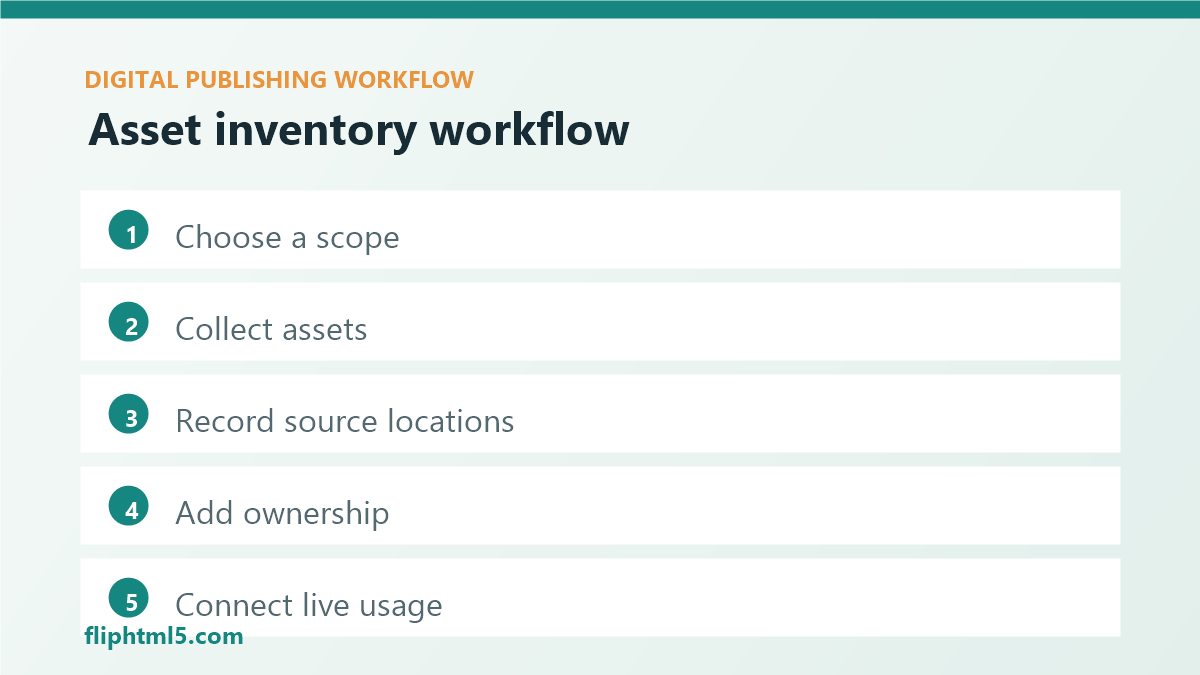
- Choose a scope: pick one content hub, product line, campaign archive, publication series, or media library folder.
- Collect obvious assets: list hero images, PDFs, flipbooks, templates, screenshots, charts, downloadable files, and recurring visuals.
- Record source locations: link each asset to the master file and the published version when both exist.
- Add ownership and status: assign owner, review date, rights status, version, and reuse recommendation.
- Connect live usage: record the URLs, posts, editions, and campaigns that currently depend on the asset.
- Review for action: flag assets to refresh, replace, consolidate, relabel, archive, or promote for reuse.
- Make it part of publishing: add inventory updates to the normal launch checklist so new assets do not become new clutter.
This workflow turns inventory work into an operating habit. Every new article, flipbook, and campaign should add or update a few records. Over time, the library becomes more complete without requiring a painful one-time migration.
How inventories improve content reuse
Content reuse is easier when teams can see what already exists. A searchable inventory helps editors find a proven chart for a related article, marketers find approved campaign images, and designers find template files that match the current visual system.
Reuse also improves quality. If an asset has already been checked for accessibility, brand fit, rights, and accuracy, the next team does not have to start from zero. They can adapt the asset with context. The inventory should make that context visible: what the asset explains, when it was last reviewed, what should not be changed, and where the latest source file lives.
For SEO-focused publishing, reusable assets can strengthen topic hubs. A consistent diagram style, helpful comparison table, or updated flipbook preview can make related pages easier to scan and trust. The inventory helps the team place the strongest assets where they support reader intent, not just where someone remembers to look.
Governance and rights checks
Asset inventories are also a governance layer. They help teams avoid accidental misuse, especially when assets come from agencies, freelancers, customers, stock libraries, partners, or older campaigns with unclear contracts.
Every reusable asset should have a clear rights note. Can it be used globally? Is it limited to a campaign? Does it require attribution? Can it appear in paid ads? Does it expire? Was it approved by a client or subject-matter expert? These answers should not live only in email threads.
Governance should also cover stale assets. Screenshots, product UI images, pricing references, partner logos, award badges, statistics, and compliance claims can age quickly. When an inventory connects assets to live URLs, the team can replace or remove outdated material faster. That protects reader trust and keeps refresh projects from becoming detective work.
Asset inventory checklist
Use this checklist when building or improving a publisher asset inventory.
Inventory setup
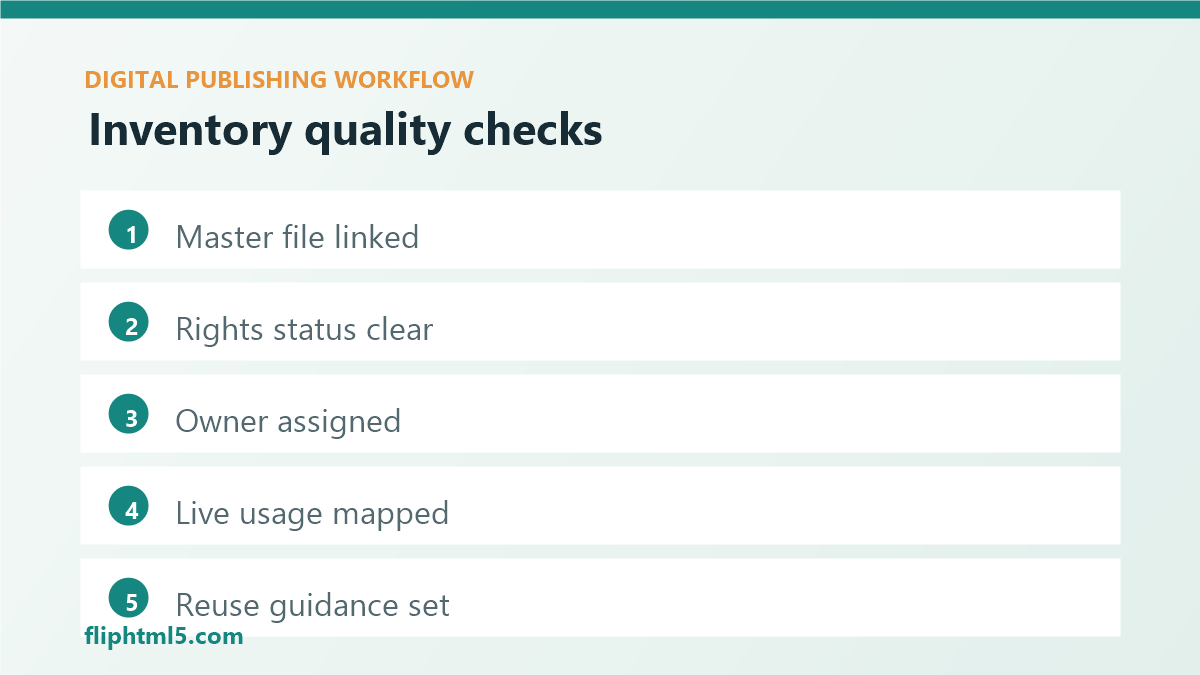
- Have you chosen a focused scope instead of trying to catalog everything?
- Can editors find assets by topic, campaign, format, and reuse status?
- Does each high-value asset link to the master file and published version?
- Is there a clear owner for accuracy, rights, and updates?
- Are rights notes specific enough to prevent unsafe reuse?
- Are alt text, captions, transcripts, or accessibility gaps recorded?
- Can the team see which live pages depend on the asset?
- Is inventory maintenance part of the publishing and refresh workflow?
How to keep the inventory alive
The hardest part of asset inventory work is maintenance. A library becomes stale when it is treated as a separate administrative chore. Make updates part of existing moments: article launch, flipbook publication, campaign wrap-up, content refresh, rights renewal, and archive cleanup.
Use simple status labels so people know what action to take. “Approved for reuse” means the asset can move quickly. “Update before reuse” means the idea is useful but the file needs review. “Do not reuse” prevents accidental copying. “Retired” keeps historical records without inviting future use.
Set a review cadence for high-impact assets. Quarterly may be enough for evergreen diagrams and template files. Product screenshots, compliance claims, seasonal campaign graphics, and rights-limited images may need more frequent checks. The inventory should make those review dates visible.
שאלות נפוצות
What is a digital asset inventory?
A digital asset inventory is a structured record of creative and publishing assets, including file locations, formats, owners, rights status, metadata, usage history, and reuse guidance.
Do publishers need a dedicated DAM system?
Not always. A dedicated digital asset management system can help larger teams, but smaller publishers can start with a structured spreadsheet, project database, or content operations board if the fields are maintained consistently.
Which assets should be inventoried first?
Start with high-value and high-risk assets: hero images, flipbooks, PDFs, templates, screenshots, charts, campaign graphics, client-supplied files, licensed media, and assets reused across multiple live pages.
סיכום
Digital asset inventories turn publishing files into usable knowledge. They help teams find approved material, reuse content responsibly, refresh outdated visuals, protect rights, and connect every asset to the reader experiences it supports. For digital publishers managing articles, flipbooks, newsletters, campaigns, and archives, the inventory is not just a filing system. It is a practical foundation for faster production and more trustworthy content.