Editorial calendar orchestration for digital publishers is the discipline of coordinating topics, formats, deadlines, owners, search goals, visuals, newsletters, flipbooks, campaigns, and performance feedback in one shared operating rhythm. A calendar should not be a simple list of due dates. It should show how every asset moves from idea to published experience and how each channel supports the next one.
This matters because digital publishing rarely lives in one format anymore. One research report may become a blog post, a flipbook, a landing page, a newsletter feature, a social carousel, and a sales enablement asset. Without orchestration, teams publish fragments. With orchestration, they publish connected journeys.
Key takeaways
- An editorial calendar should coordinate format, channel, owner, stage, audience intent, visual needs, and measurement.
- Calendar orchestration prevents duplicated work when one idea becomes an article, flipbook, newsletter, campaign, and internal asset.
- Digital publishers need separate views for strategy, production, distribution, and performance feedback.
- The best calendars include reusable fields for SEO, accessibility, metadata, image planning, and post-publication refreshes.
- Calendar quality should be measured by throughput, delay causes, content reuse, internal linking, and audience outcomes.
Table of contents
- Why calendars need orchestration
- Map the content system before assigning dates
- Use calendar fields that drive action
- Coordinate articles, flipbooks, and newsletters
- Build distribution and SEO into the calendar
- Measure calendar health after publication
Why calendars need orchestration
Traditional editorial calendars were built around publication dates. That is no longer enough for teams that publish across websites, digital magazines, flipbooks, email, search, social media, paid campaigns, and customer education channels. A modern calendar needs to answer five questions before a draft begins: who is the reader, what format best serves the job, which channels will distribute it, who owns each handoff, and what result will define success?
For teams using a Digital Publishing Platform or a Content Publishing Platform, orchestration is especially useful because rich publications often depend on multiple assets. A flipbook may require a source PDF, cover image, embedded video, excerpt copy, landing page text, tracking links, and email promotion. If those dependencies are not visible in the calendar, delays surface late.
The goal is not to make planning heavier. The goal is to make the right decisions visible early enough that writers, editors, designers, SEO specialists, and campaign owners can work in sequence instead of reacting to surprises.
Map the content system before assigning dates
Start by mapping the content system around the reader journey. A single calendar row should connect to a broader content purpose, such as acquisition, education, retention, conversion, onboarding, or support. This prevents teams from filling empty dates with disconnected topics.
A practical planning model has four layers. The first layer is the audience need, such as comparing tools or learning a workflow. The second layer is the primary asset, such as a guide, article, flipbook, checklist, webinar recap, or case study. The third layer is the distribution plan, including search, newsletter, social, partner channels, and internal links. The fourth layer is measurement, such as impressions, clicks, downloads, completion, leads, or repeat visits.
Once those layers are visible, the calendar becomes a production map instead of a deadline tracker. It shows which topics deserve a full campaign, which can be lightweight posts, and which should wait until supporting assets are ready.
Use calendar fields that drive action
Calendar fields should help people make decisions. Too few fields create ambiguity. Too many fields create busywork. The best version is usually a shared table with required fields for planning and optional fields for larger campaigns.
| Calendar field | What it controls | Why it matters |
|---|---|---|
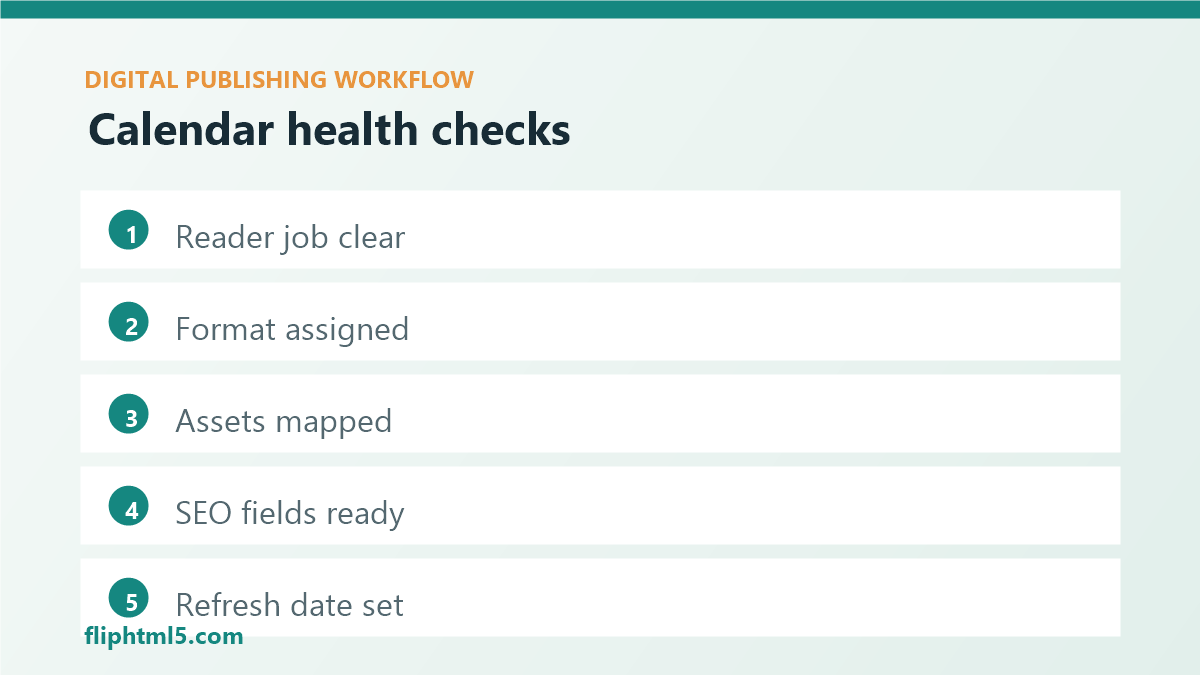
| Reader job | The task or decision behind the content | Keeps the angle useful |
| Primary format | Article, flipbook, guide, landing page, newsletter, or video | Sets production requirements |
| Channel plan | Search, email, social, paid, partner, or internal | Prevents last-minute promotion work |
| Asset dependencies | Images, source files, quotes, data, screenshots, or templates | Surfaces blockers early |
| SEO package | Keyword, slug, title, meta description, links, and schema needs | Protects discovery quality |
| Refresh date | When the asset should be reviewed again | Turns publishing into lifecycle management |
Use status values that describe real handoffs, not vague progress. For example: idea approved, brief ready, draft ready, design ready, SEO ready, scheduled, published, distributed, measured, and refresh queued. These stages make it easier to see where work is slowing down.
Coordinate articles, flipbooks, and newsletters
Digital publishers often produce multiple experiences from one source idea. A strong calendar makes that reuse intentional. If a quarterly report is planned for publication, the calendar should show the long-form flipbook, supporting article, newsletter teaser, social copy, lead capture page, internal links, and follow-up refresh date as connected assets.
This approach improves quality because every format can serve a specific role. The article can answer search intent. The flipbook can present the polished edition. The newsletter can frame the value for existing readers. The landing page can convert visitors. Social posts can point to the strongest visual or statistic. Each asset has a purpose instead of repeating the same copy everywhere.
Calendar orchestration also reduces duplicate production. Designers know which images must be created once and adapted. Editors know which claims and examples should remain consistent. SEO owners know which page is canonical and which supporting assets should link back to it.
Build distribution and SEO into the calendar
Distribution should not begin after publishing. Add distribution tasks directly to the calendar so each asset includes channel copy, UTM rules, internal links, preview images, and owner assignments before launch day. This is the difference between publishing content and operating a publishing system.
SEO also belongs in the calendar, not just in the CMS. Add fields for the primary keyword, secondary topics, search intent, target hub page, internal links, meta description, excerpt, image alt text, and schema requirements. A calendar that includes these fields helps teams avoid thin metadata and isolated posts.
For example, an article about “interactive digital catalogs” might link to a broader guide on digital catalogs, a product page for catalog creation, a case study, and a related flipbook example. Planning those links before drafting gives the writer a clearer structure and gives readers a better path.
Measure calendar health after publication
A calendar is healthy when it helps the team publish the right work at the right time with fewer avoidable delays. Track both production metrics and audience metrics. Production metrics may include brief completion rate, draft cycle time, revision rounds, missed dependencies, and days from approval to publication. Audience metrics may include impressions, clicks, scroll depth, completion, newsletter clicks, downloads, leads, and return visits.
Do not measure the calendar only by output volume. Publishing more content is not useful if the content is disconnected, unmeasured, or hard to reuse. A strong calendar should improve focus, coordination, distribution quality, and long-term content value.
A practical orchestration workflow
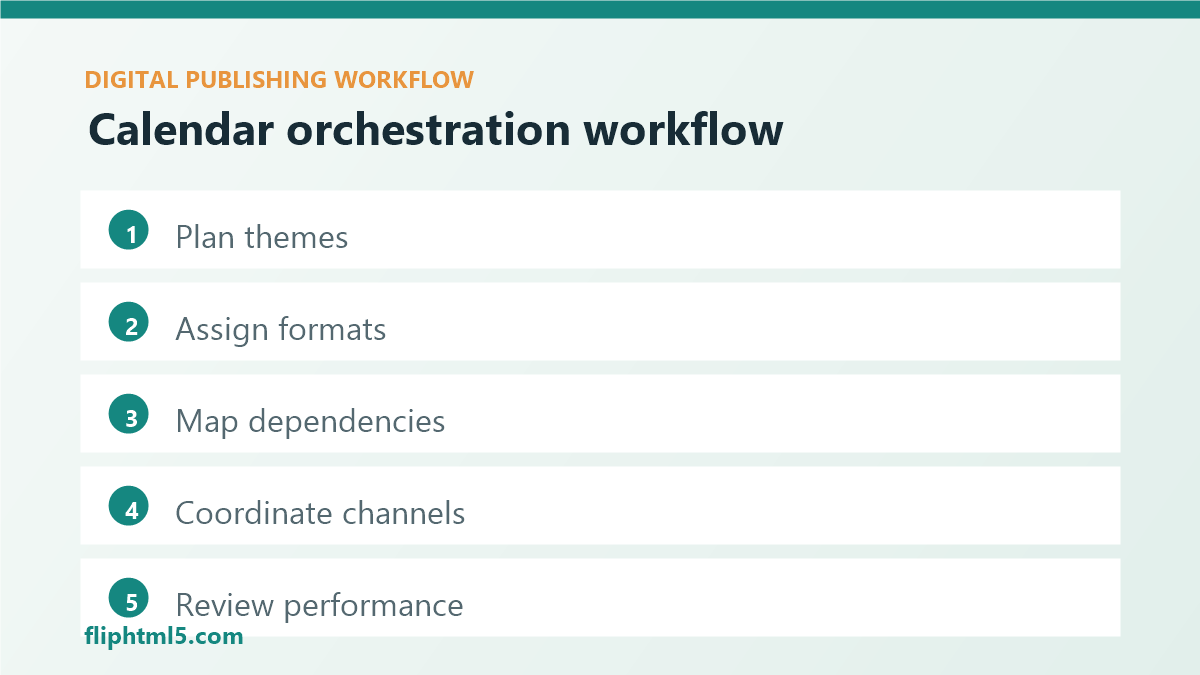
- Plan monthly themes: choose 2 to 4 priority themes based on audience needs, search demand, campaigns, and product moments.
- Assign primary assets: decide which ideas deserve an article, flipbook, guide, newsletter feature, or campaign page.
- Map dependencies: list required images, data, quotes, source files, screenshots, approvals, and metadata.
- Create channel tasks: add newsletter, social, internal link, paid, partner, and sales enablement tasks where relevant.
- Review weekly blockers: look for missing briefs, delayed visuals, unresolved SEO decisions, and unclear owners.
- Close the loop: after publication, record performance signals and decide whether to refresh, expand, repurpose, or retire the asset.
Common mistakes to avoid
- Planning only by publish date: deadlines matter, but they do not show dependencies, channel needs, or strategic purpose.
- Separating SEO from production: keyword intent, metadata, internal links, and schema decisions should be visible before drafting.
- Forgetting visual planning: featured images, diagrams, screenshots, and captions affect readability and reuse.
- Publishing without a refresh plan: evergreen assets need review dates so they do not quietly decay.
- Using one view for everyone: editors, designers, marketers, and leaders need different calendar views from the same source data.
Frequently asked questions
What should an editorial calendar include for digital publishing?
A digital publishing editorial calendar should include topic, reader job, format, owner, deadline, workflow stage, channel plan, asset dependencies, SEO fields, image needs, accessibility notes, internal links, CTA, publication date, distribution tasks, and performance review date.
How far ahead should publishers plan their editorial calendar?
Most teams should plan strategic themes 60 to 90 days ahead, assign detailed briefs 2 to 4 weeks ahead, and review blockers weekly. Fast-moving news teams may shorten the cycle, but campaign, design, and flipbook dependencies still need advance visibility.
What is the difference between an editorial calendar and a content calendar?
An editorial calendar usually focuses on publishing decisions such as topics, formats, deadlines, and editorial ownership. A content calendar often includes broader distribution tasks across email, social, campaigns, and sales enablement. Digital publishers increasingly need one orchestrated system that covers both.
Conclusion
Editorial calendar orchestration helps digital publishers coordinate articles, flipbooks, newsletters, campaigns, SEO, visuals, and measurement in one practical workflow. When the calendar connects strategy to production and distribution, teams spend less time chasing decisions and more time publishing useful, reusable content experiences.