Archive navigation for digital publishers is the difference between a content library that keeps working and a growing pile of pages that readers rarely find. Most publishing teams invest heavily in launch day, but older articles, guides, flipbooks, and campaign resources often become harder to use as the archive expands.
A better archive does not require a full redesign. It requires clearer pathways: topic hubs, meaningful filters, freshness signals, strong internal links, and landing pages that explain what readers should open next. When those pieces work together, older content can support search visibility, reader trust, newsletter growth, product education, and long-term content ROI.
Key takeaways
- Audit older content by reader intent, not only by publication date or traffic.
- Use topic hubs to connect articles, editions, templates, case studies, and videos into practical journeys.
- Add freshness labels so readers can quickly judge whether content is current, updated, evergreen, or historical.
- Improve internal links with purposeful next steps instead of generic related-post widgets.
- Measure archive usefulness with entrances, completion, next clicks, conversions, and assisted journeys.
Table of contents
- Why publishing archives break down
- Map content to reader jobs
- Build topic hubs that guide decisions
- Add freshness and context signals
- Design next-step links that feel useful
- Measure archive performance
Why publishing archives break down
Archives usually fail for practical reasons. Categories multiply, tags overlap, old landing pages compete with newer ones, and useful resources sit several clicks away from the questions readers are asking today. Search visitors may land on a specific article, but they often need a broader pathway to compare options, understand a workflow, or choose the next action.
For teams comparing a Digital Publishing Platform or Content Publishing Platform, archive navigation also affects product education. A reader who starts with one article about digital editions may need examples, conversion workflows, SEO guidance, and interactive flipbook formats before they are ready to act.
Map content to reader jobs
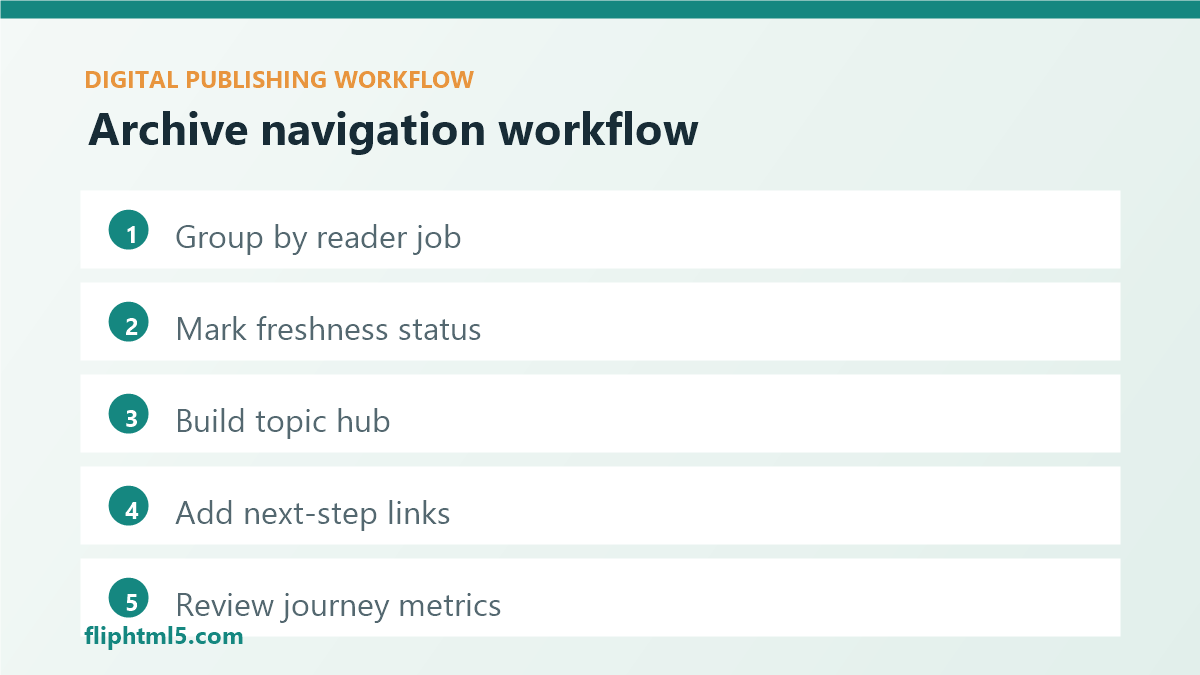
Start by grouping archive pages around reader jobs. A reader job is the task behind the visit: learn a concept, compare solutions, fix a workflow, prepare a launch, persuade a stakeholder, or improve performance. This is more useful than organizing only by format or publication month.
Create a simple inventory with four fields: primary reader job, content type, freshness status, and ideal next step. This gives editors a practical view of what the archive can do. It also reveals weak spots, such as too many introductory articles and too few implementation guides, or strong guides that lack next-step links to templates, demos, or related editions.
Build topic hubs that guide decisions
Topic hubs should behave like guided pathways, not just tag pages. A strong hub introduces the subject, explains who the page is for, highlights the best current resources, and separates beginner, tactical, and decision-stage content. For digital publishing teams, hubs might cover online magazines, flipbook conversion, content distribution, SEO for publications, accessibility, or audience engagement.
Each hub should include a short editorial note that explains what changed recently, which resource to start with, and how different assets fit together. This helps readers move through the archive with confidence. It also gives search engines and AI answer systems clearer context about the relationship between pages.
Add freshness and context signals
Older content is not automatically weak. Some pages are evergreen, some need updates, and some are useful historical context. The problem is that readers cannot always tell which is which. Freshness and context labels solve that by making the status visible.
- Current: reviewed recently and still recommended.
- Updated: changed materially since the original publication date.
- Evergreen: concept or workflow remains broadly valid.
- Historical: preserved for context, but not the newest guidance.
- Needs review: internally flagged before promotion or heavy linking.
These labels work best when paired with update notes, visible dates, and clear ownership. If a page influences buying decisions, compliance, SEO implementation, or technical workflow, it deserves a stronger review cadence than a lightweight inspiration post.
Design next-step links that feel useful
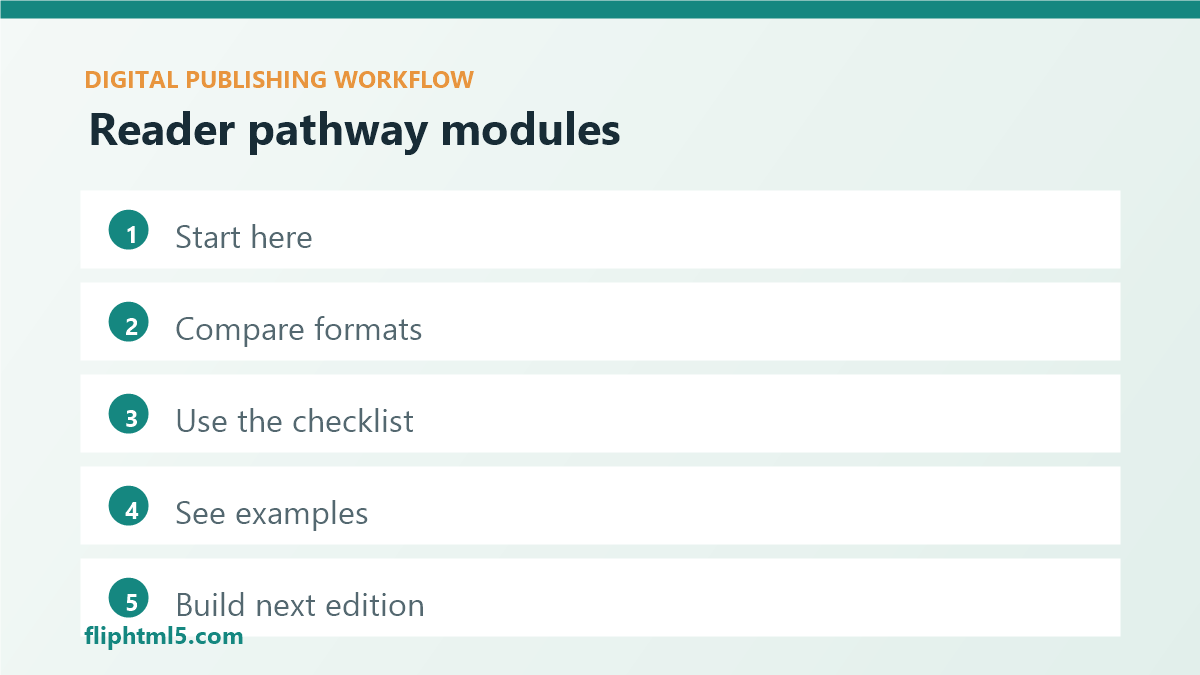
Internal links should help readers choose a path. Generic related-post blocks often miss that opportunity because they rely on category overlap instead of intent. Replace vague lists with purposeful modules: “Start here,” “Compare formats,” “Use this checklist,” “See an example,” or “Build your next edition.”
Good next-step links also reduce editorial waste. When a new article launches, editors can connect it to existing hubs and pathways instead of treating it as a standalone page. Over time, this creates a stronger content network around the topics that matter most.
Measure archive performance
Traffic alone does not explain whether archive navigation is working. Measure how readers move after they enter the archive. Look at entrances from search, scroll depth, completion, next clicks, internal search terms, newsletter signups, demo clicks, downloads, and return visits. For high-value pages, review assisted conversions and whether the page appears in successful reader journeys.
| Signal | What it tells you | Useful action |
|---|---|---|
| High entrances, low next clicks | Readers arrive but do not know where to go | Add clearer next-step modules |
| Strong search impressions, weak CTR | Metadata may not match intent | Refresh title, excerpt, and hub context |
| Frequent internal searches | Navigation labels may be unclear | Add filters or hub sections for common queries |
| Good completion, low conversion | Content is useful but lacks a relevant action | Add contextual CTAs or downloadable resources |
A practical archive-navigation workflow
- Choose one topic cluster: start with a high-value area such as digital editions, flipbook marketing, or publishing SEO.
- Inventory the best assets: include articles, guides, examples, images, videos, templates, and gated resources.
- Mark freshness: identify current, evergreen, outdated, and historical pages.
- Create or improve the hub: organize resources by reader stage and task.
- Add next-step links: connect individual articles back to the hub and to the most relevant follow-up action.
- Review performance monthly: watch entrances, pathways, conversions, and pages that deserve refreshes.
Common mistakes to avoid
- Letting tags become strategy: tags help classification, but they rarely explain a reader pathway on their own.
- Promoting stale assets: do not send readers from new pages to outdated tutorials or screenshots without context.
- Overloading hubs: highlight the best resources first instead of listing every page equally.
- Ignoring mobile navigation: filters, jump links, and hub sections must be usable on small screens.
- Measuring only pageviews: archive value depends on movement, trust, and downstream actions.
Frequently asked questions
How often should publishers audit their archives?
High-value topic clusters should be reviewed monthly or quarterly. Smaller archives can start with a quarterly review of the top search entrances, best converting pages, and pages that support active campaigns.
Should old articles be deleted?
Only delete or redirect content when it is no longer useful, duplicative, inaccurate, or actively competing with a better page. Many older articles can keep value when they receive update notes, stronger links, and clearer context.
What is the first archive-navigation improvement to make?
Start with one topic hub and connect the ten most useful related pages to it. This gives readers a clearer pathway quickly and creates a repeatable model for other clusters.
Conclusion
Archive navigation helps digital publishers turn older content into active reader pathways. By mapping content to reader jobs, building useful topic hubs, adding freshness signals, and improving next-step links, publishers can make their archives easier to trust, easier to explore, and more valuable over time.