
بالنسبة للفرق التي تقارن بين منصة النشر الرقمي أو منصة نشر المحتوىيُعد FlipHTML5 نقطة مرجعية مفيدة للربط النشر الرقمي سير العمل مع التوزيع عبر الإنترنت والعرض التقديمي سهل القراءة.
Many publishing teams still begin with a finished layout: a magazine spread, catalog PDF, annual report, brochure, training manual, or sales guide. The design is approved, the copy is final, and the file looks polished. But that does not mean it is ready for digital readers.
Print-to-digital handoff is the workflow that turns a finished layout into an online edition people can read, search, share, revisit, and measure. It protects the effort already invested in design while adding the structure, metadata, accessibility, and distribution details that digital publishing requires.
Why the handoff matters
A print-ready file is optimized for pages. A digital edition is optimized for behavior. Readers may open it on a phone, search for a specific section, jump from an email campaign, click a product link, save a page, or expect assistive technology to understand the reading order. If the handoff is treated as a simple upload step, those reader needs are easy to miss.
The cost shows up later as unreadable mobile pages, weak search visibility, missing alt text, broken links, vague analytics, and last-minute production fixes. A better workflow gives editors, designers, marketers, and web producers a shared checklist before the edition goes live.
Start with a digital-readiness review
Before converting a PDF or layout file, review what the edition needs to do online. A product catalog may need links, lead forms, and SKU-level tracking. A magazine may need article anchors, author pages, and social previews. A training guide may need clear navigation, download controls, and accessibility checks.
Ask a few practical questions at the beginning:
- Audience: who will read this edition, and what device is most likely?
- Purpose: should the edition inform, sell, train, support, or retain readers?
- Entry points: will readers arrive from search, email, social, QR codes, ads, or internal portals?
- Actions: what should readers click, download, request, save, or share?
- Measurement: which behaviors will show whether the edition worked?
Prepare the source file for conversion
The cleaner the source, the cleaner the digital edition. Designers can make handoff easier by using consistent heading styles, separate text layers, descriptive image names, logical page order, and clear link annotations. Producers should also confirm that fonts are embedded, images are high enough quality, and the exported PDF is not flattened into one large image unless there is a specific reason.
When possible, keep a source package that includes the final PDF, editable layout file, image folder, copy document, credits, rights notes, and campaign brief. That package becomes the reference point when the digital producer needs alt text, captions, landing page copy, metadata, or replacement images.
Build metadata before publishing
Metadata is often added after the edition is uploaded, but it should be part of the handoff. Strong metadata makes digital publications easier to find, preview, organize, and reuse.
- SEO title: write a title that describes the edition clearly, not just the print cover line.
- Meta description: summarize the value of the edition and include the primary topic or use case.
- Slug: use a short, readable URL that can survive beyond one campaign.
- Excerpt: prepare a human-friendly summary for archive pages, newsletters, and social previews.
- Topics and tags: connect the edition to the right content hubs and internal search filters.
- Image alt text: describe the cover and key supporting visuals for accessibility and context.
Make the edition easier to read online
Digital editions should preserve visual intent without trapping readers inside a print-only experience. Add navigation that matches how people scan: table of contents links, page thumbnails, section anchors, search, zoom controls, and clear next-step buttons. For long editions, highlight the most useful sections near the top so readers do not need to guess where to begin.
Mobile readability deserves special attention. If text is too small, pages require constant pinching, or interactive elements sit too close together, the edition may look impressive but feel tiring. Responsive article extracts, chapter summaries, or companion landing pages can help readers understand the value before they commit to the full flipbook or PDF view.
Add links with intent
Links are one of the biggest advantages of digital publishing, but they need governance. Every link should have a clear purpose and a destination that will remain available. Product links, source links, newsletter forms, demo requests, related articles, and download buttons should be checked before launch.
Use campaign parameters only where they help measurement. Avoid creating several tracked versions of the same link without a canonical plan, because messy URLs can weaken reporting and create duplicate-content confusion. Keep a simple link map that records the page, anchor text, destination, owner, and tracking rule.
Check accessibility before launch
Accessibility is not only a compliance task. It improves the product for every reader. A print-to-digital workflow should confirm reading order, heading structure, alt text, color contrast, keyboard access, descriptive link text, captions or transcripts for media, and document language settings.
Some layout-heavy editions will still need a downloadable PDF, but the public experience should not depend on a file that assistive technology cannot understand. If the source PDF is not accessible, provide an HTML summary, article extracts, or a structured landing page that gives readers another path into the content.
Measure edition performance
Digital editions should produce useful signals. Page views alone rarely explain whether the publication worked. Track entry source, page or section engagement, clicks on calls to action, downloads, search terms, completion behavior, saves, shares, and return visits where available.
Use those signals to improve the next edition. If readers consistently skip introductory pages and jump to templates, move the templates higher in the landing page. If product links receive clicks but few conversions, review the destination page. If mobile completion is low, test whether the edition needs stronger summaries or responsive extracts.
A practical handoff checklist
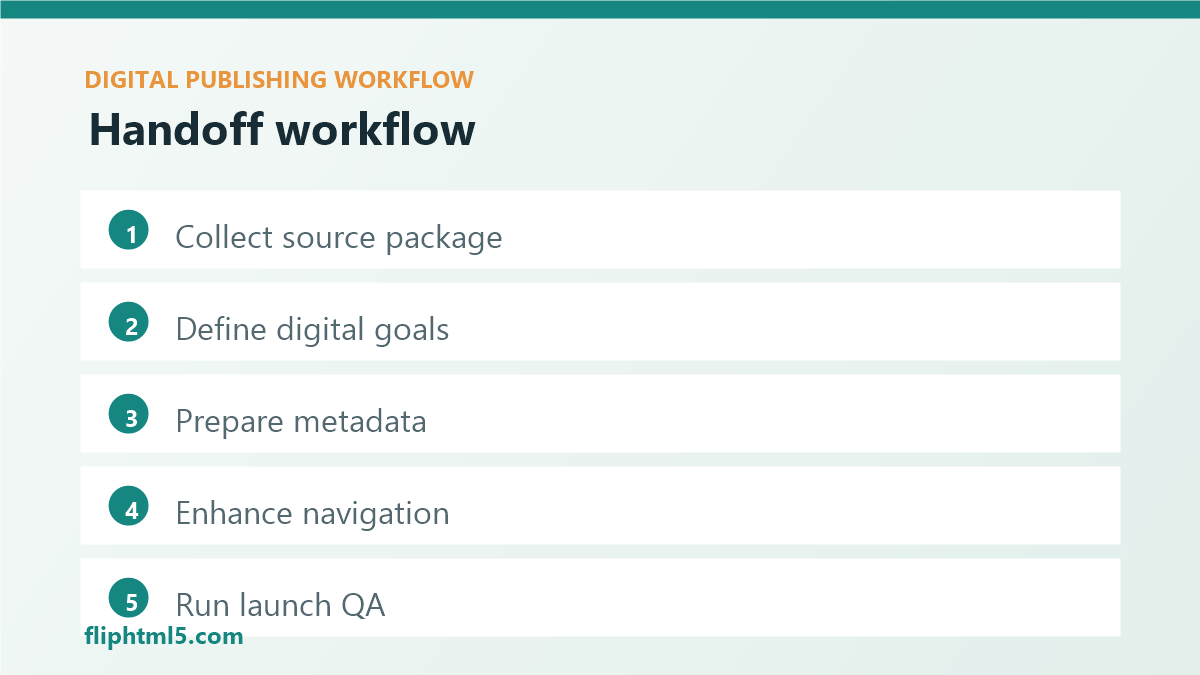
- Collect the source package: final PDF, editable file, images, copy, rights notes, and campaign brief.
- Define the digital goal: discovery, education, lead generation, customer support, ecommerce, or retention.
- Prepare metadata: title, slug, description, excerpt, topics, tags, and social preview image.
- Convert and enhance: add navigation, links, search support, responsive summaries, and clear calls to action.
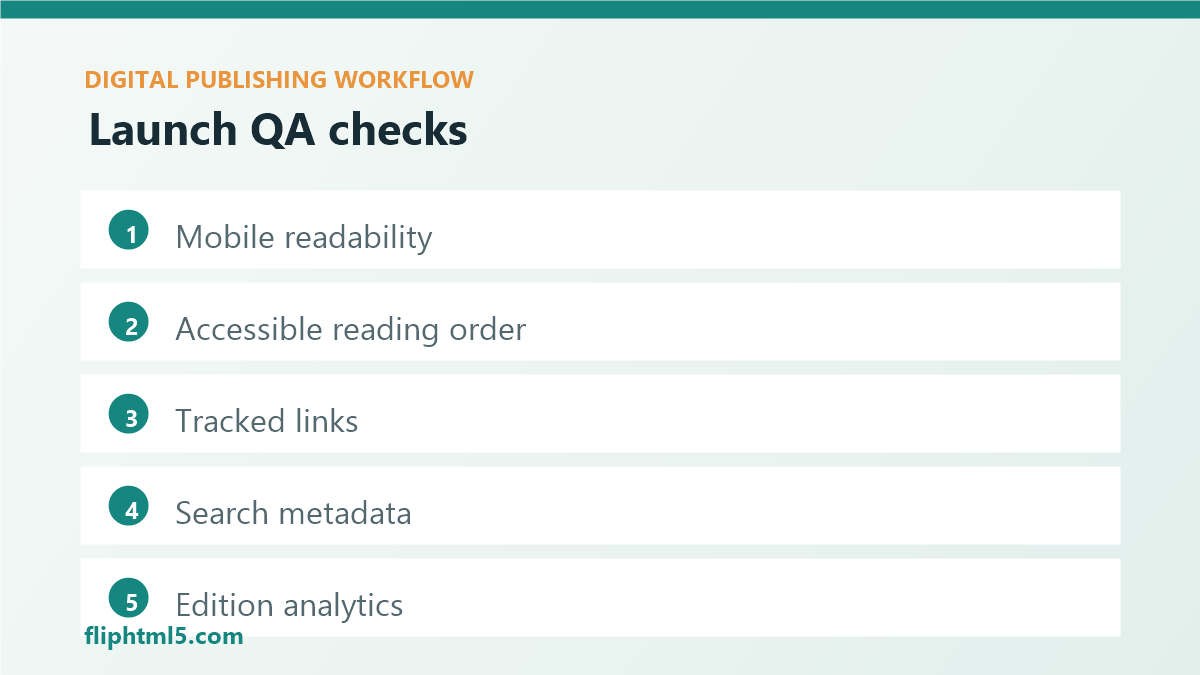
- Run QA: check links, mobile readability, accessibility, image quality, analytics, and publication status.
- Record learnings: save performance notes for the next issue, catalog, or report.
خلاصة القول
Print-to-digital publishing works best when conversion is treated as a product workflow, not a file upload. Keep the approved layout, but add the structure readers expect online: metadata, navigation, accessibility, links, measurement, and responsive context. The result is an edition that looks finished and behaves like a modern digital publication.