
SEO meta description: Build an accessible digital publishing workflow with practical checks for structure, media, navigation, readability, and post-launch measurement.
Accessibility in digital publishing is not a final compliance pass. It is a production workflow that shapes how content is structured, designed, exported, tested, and improved after launch. When accessibility is planned early, publishers create publications that are easier to read, easier to search, and easier to reuse across devices.
This guide is for marketing teams, magazine publishers, catalog teams, educators, and B2B content teams that turn PDFs, brochures, reports, or long-form articles into digital publications. Use it as a practical checklist before your next issue, flipbook, report, guide, or interactive publication goes live.
Key Takeaways
- Accessible publishing starts with semantic structure, not decoration.
- Readable layouts need enough contrast, flexible text, and clear navigation.
- Every image, video, chart, and download should have a useful alternative.
- Testing should cover keyboard access, mobile reading, zoom, search, and screen-reader order.
- Accessibility improvements often support SEO because both depend on crawlable, well-structured content.
What Is an Accessible Digital Publishing Workflow?
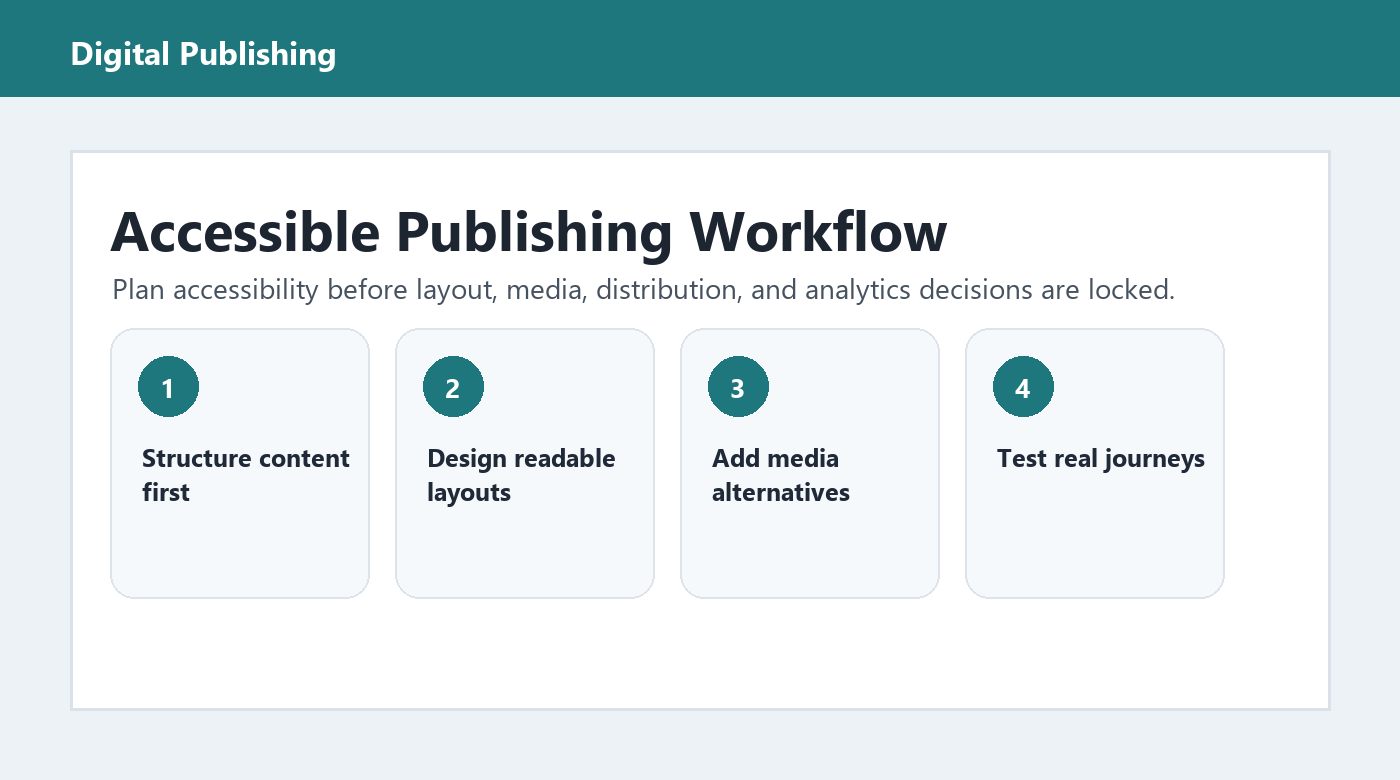
An accessible digital publishing workflow is a repeatable process for creating online publications that people can perceive, navigate, understand, and use with different devices and assistive technologies. It applies accessibility checks to content planning, layout, media, publishing, and analytics instead of waiting until the final export.
1. Start With Structured Content
The most accessible digital publications begin before design. A reader should be able to understand the document outline from headings alone. Use one clear H1, logical H2 and H3 sections, descriptive link text, and short paragraphs that keep one idea together.
For PDF-to-web projects, avoid treating each page as a flat image. Search engines, screen readers, and in-publication search tools need real text. If the original file uses columns, sidebars, pull quotes, or product tables, confirm the reading order before publishing.
Structure checklist
- Use meaningful headings in a logical order.
- Replace ?click here? links with destination-specific anchor text.
- Keep tables for data, not layout.
- Make page titles, captions, and callouts understandable out of context.
- Preserve searchable text whenever possible.
2. Design for Reading Conditions, Not Just Screen Size
A digital publication may be opened on a phone in bright light, a desktop monitor during work, a tablet during travel, or an assistive reading environment. Responsive design matters, but so do contrast, spacing, font size, control labels, and predictable navigation.
The Web Content Accessibility Guidelines, maintained by the World Wide Web Consortium, recommend measurable success criteria for contrast, keyboard access, text alternatives, and adaptable content. Publishers do not need to memorize every criterion to make progress, but every workflow should include a visible accessibility QA step. Source: W3C Web Content Accessibility Guidelines overview.
Readable design checks
- Use high-contrast text and avoid placing copy over busy images.
- Keep navigation controls consistent across pages.
- Make buttons large enough for touch input.
- Support zoom without breaking the layout.
- Avoid text embedded inside images when real text would work.
3. Treat Media Alternatives as Editorial Content
Alt text, captions, transcripts, and chart summaries are not technical leftovers. They are editorial assets. A product image may need a short descriptive alt tag, while a chart may need a nearby written summary explaining the main conclusion and the values that matter.
For digital catalogs, alt text should help a reader identify the product, not repeat the filename. For reports, image descriptions should capture the insight. For video, captions and transcripts help users who cannot play audio and also improve content discovery.
4. Test the Reader Journey Before Launch
Accessibility testing should include more than a quick visual scan. A practical test takes 20 to 30 minutes and follows the same path a real reader would take: open the publication, understand the topic, move between sections, search for information, interact with media, and complete the intended action.
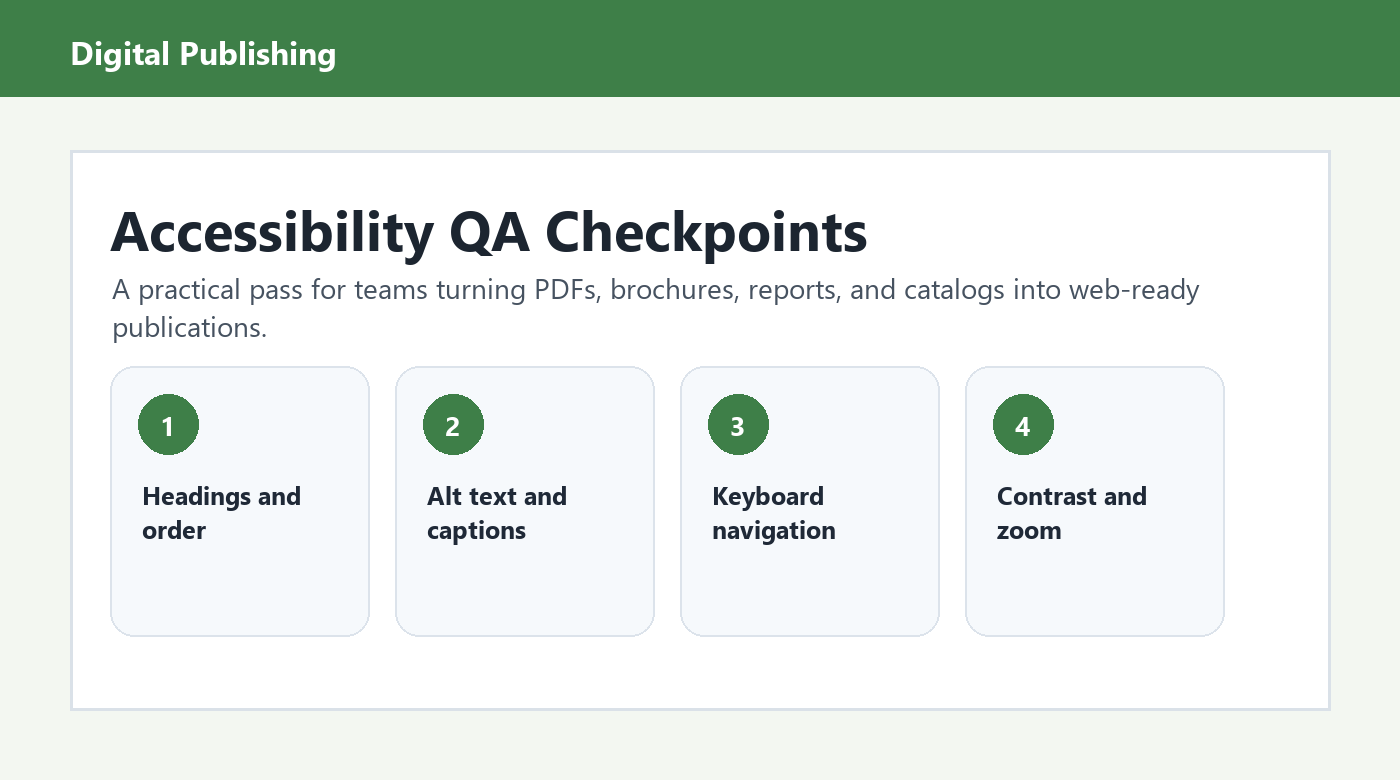
Pre-publish accessibility QA
- Navigate the publication using only a keyboard.
- Zoom to 200 percent and check whether text, buttons, and menus remain usable.
- Open the publication on at least one mobile device and one desktop viewport.
- Confirm that page titles and headings describe the content accurately.
- Check that all meaningful images include alt text.
- Review video captions, audio transcripts, and chart explanations.
- Use in-publication search to find 3 to 5 important terms.
- Confirm that forms, CTAs, downloads, and embedded links work.
5. Connect Accessibility With SEO and Content Strategy
Accessible digital publishing and SEO overlap because both reward clarity. Search engines need readable text, descriptive metadata, structured headings, and meaningful links. Readers need the same things. The difference is that accessibility also asks whether people can use the publication under varied physical, technical, and environmental conditions.
For long-form publications, add a concise excerpt, a keyword-led slug, descriptive image alt text, and internal links to related resources. If a publication is converted from PDF, make sure the web version is not blocked behind an image-only viewer when the goal is organic discovery.
6. Measure and Improve After Publication
Post-launch analytics can reveal where accessibility and usability need work. Track search terms, page exits, scroll depth, button clicks, failed searches, and device-level engagement. If many readers leave before reaching the first CTA, the issue may be layout, load speed, navigation, or content order.
Build a lightweight review cadence. For important publications, check analytics after 7 days, 30 days, and 90 days. Update alt text, headings, internal links, or layout issues as you learn how readers actually use the publication.
Common Accessibility Mistakes in Digital Publishing
- Publishing scanned pages without OCR or searchable text.
- Using page-turn effects that hide content from keyboard users.
- Writing alt text that says ?image? or repeats the file name.
- Designing navigation controls that are too small on mobile.
- Relying on color alone to explain status, categories, or chart meaning.
- Forgetting captions, transcripts, and downloadable alternatives.
Frequently Asked Questions
Does accessible digital publishing help SEO?
Yes, often. Accessibility improves structure, text availability, headings, links, captions, and alt text. Those elements also help search engines understand content. Accessibility should not be treated as an SEO trick, but the same improvements usually make digital publications easier to crawl and easier to read.
Can a flipbook be accessible?
A flipbook can be more accessible when it preserves real text, supports keyboard navigation, includes image alternatives, offers readable zoom, and provides a responsive or HTML reading mode. The key is to avoid making the flipbook the only way to access important content.
What should publishers check first?
Start with reading order, searchable text, headings, link labels, keyboard navigation, contrast, and alt text. These checks catch many high-friction issues and are practical for editorial teams to review before launch without slowing the entire production schedule.
Conclusion
An accessible digital publishing workflow makes each publication more useful from the first draft onward. Structure the content, design for real reading conditions, create media alternatives, test the journey, and use analytics to improve after launch. The result is not only a more inclusive publication, but a clearer, more durable content asset.
If your team publishes catalogs, reports, magazines, or marketing guides, turn this checklist into a repeatable pre-launch review. Accessibility becomes much easier when it is part of the publishing system instead of a last-minute fix.