
Accessibility statements for digital publications turn accessibility from a hidden production task into a clear reader-facing promise. They explain what standard a publisher is working toward, which formats have been tested, which known limitations still exist, and how readers can ask for help when something blocks access.
For digital publishers, that statement is useful beyond compliance. It gives editors, designers, marketers, product teams, and support staff a shared record of what the publication can currently support. It also helps readers decide whether a flipbook, article hub, EPUB file, PDF, catalog, or report will work for their needs before they invest time in it.
Key takeaways
- An accessibility statement should be written for readers first, not only auditors or lawyers.
- Useful statements name the publication formats covered, the accessibility standard applied, known limitations, testing scope, and support route.
- Digital publishing teams should connect the statement to actual workflows: alt text, heading order, link text, captions, page navigation, and metadata.
- The statement should be reviewed whenever major templates, reading systems, embedded editions, or downloadable files change.
- Honest limitations build more trust than vague claims that everything is fully accessible.
Table of contents
- Why accessibility statements matter
- What to include in the statement
- Map every publication format
- Connect the statement to workflow
- Write known limitations clearly
- A practical accessibility statement template
Why accessibility statements matter
The World Wide Web Consortium’s Web Accessibility Initiative says accessibility statements can show commitment, give users information about content accessibility, and provide a contact route when users encounter problems. That is a practical editorial tool, not just a policy page. See the W3C guidance on developing an accessibility statement.
Digital publishing adds extra complexity because the same story may appear in several forms. A long-form article might live on the website, inside a flipbook, in a downloadable PDF, in an EPUB edition, and inside a newsletter excerpt. Each surface can have different accessibility strengths and limitations. A statement helps readers understand the real scope instead of assuming one claim applies everywhere.
It also gives internal teams a maintenance target. If the statement says videos include captions, then captioning becomes part of the publishing workflow. If it says downloadable editions include structured headings, then production QA needs to check headings before release. The statement becomes useful when it reflects actual operating practice.
What to include in the statement
A reader-friendly accessibility statement should answer five questions quickly: what content is covered, what standard guides the work, what has been tested, what limitations remain, and how a reader can contact the publisher for help.
Accessibility statement framework
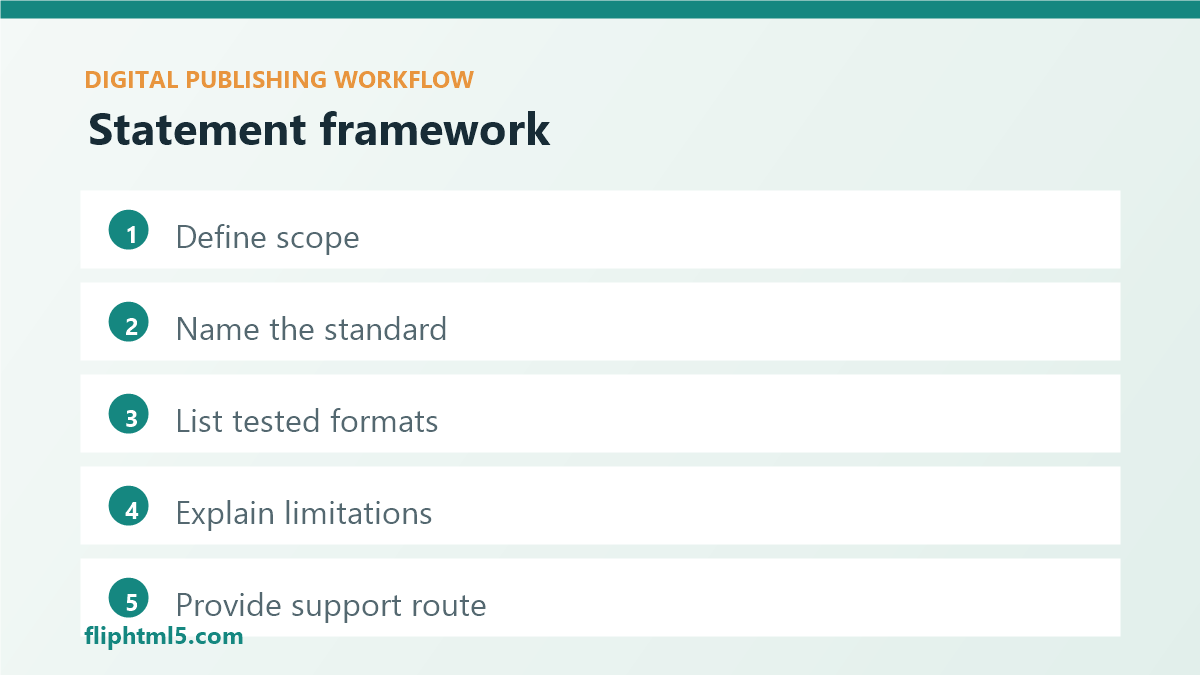
- Scope: name the website, digital editions, flipbooks, PDFs, EPUB files, apps, or content hubs covered by the statement.
- Standard: identify the accessibility standard used, such as WCAG 2.2, and avoid claiming more than the team has verified.
- Tested environments: list representative browsers, devices, reading systems, assistive technology checks, or QA scenarios.
- Known limitations: explain current gaps in plain language and describe planned fixes when there is a clear path.
- Support route: provide a monitored contact method and ask readers to include the page, file, device, and barrier encountered.
For EPUB workflows, publishers should also pay attention to accessibility metadata. W3C’s EPUB Accessibility 1.1 Recommendation covers conformance and discoverability requirements for EPUB publications, including metadata that helps readers and distribution systems understand accessibility characteristics.
Map every publication format
Before drafting the statement, inventory the places where readers encounter the publication. Include the article page, embedded flipbook, downloadable PDF, EPUB file, image galleries, videos, forms, gated downloads, landing pages, and archived editions. This format map prevents a common mistake: writing one broad statement that ignores the parts of the reader journey with the most friction.
For each format, document whether the team controls the template, the source file, the rendering system, and the metadata. A publisher can usually fix headings, alt text, link labels, captions, transcripts, and content order in its own CMS. It may need a different plan for older PDFs, third-party embeds, or legacy issue archives.
Use the map to separate current commitments from future work. For example, a new article template may meet the team’s heading and alt-text rules today, while older magazine PDFs may still need remediation. Readers deserve to know that difference.
Connect the statement to workflow
An accessibility statement should never be isolated from production. Each claim in the statement needs an owner and a check. If the statement says images have descriptive alternatives, the CMS should require alt text before publishing. If it says publications can be navigated by headings, the editorial checklist should include heading hierarchy. If it says video content includes captions, the media workflow should block publication until captions are attached or an exception is documented.
Workflow checks behind the statement
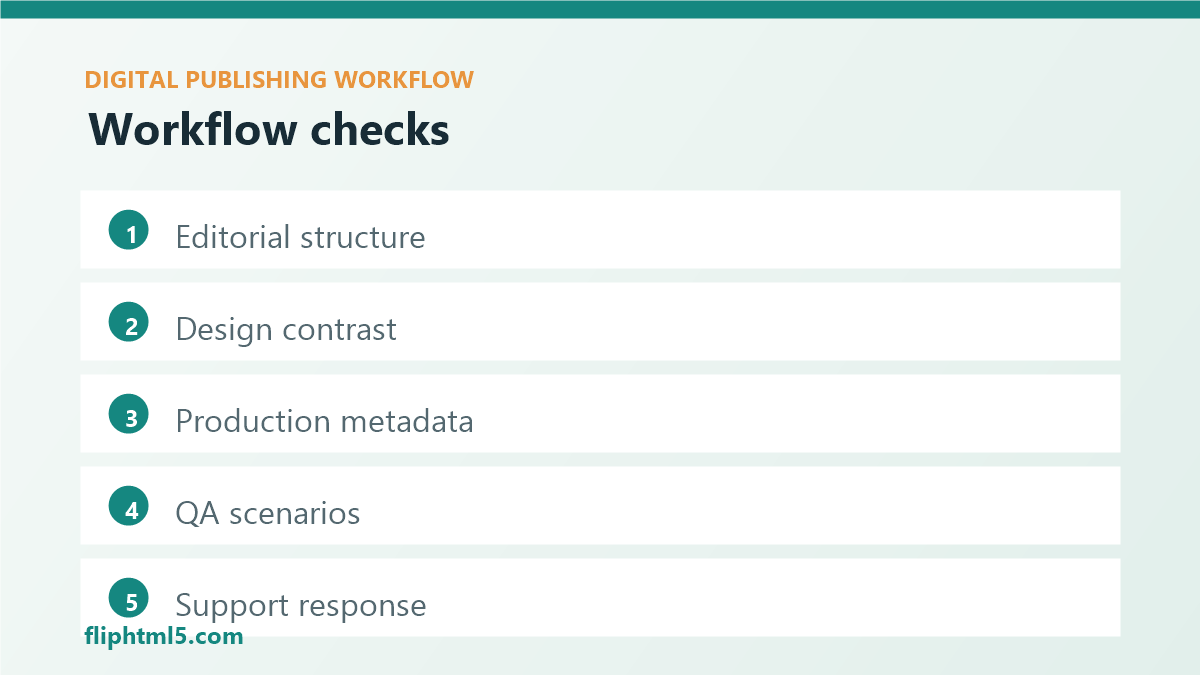
- Editorial: headings, link text, summaries, reading order, glossary support, and plain-language explanations.
- Design: contrast, text size, responsive layout, focus states, caption placement, and image-safe zones.
- Production: alt text, PDF tags, EPUB metadata, transcript attachment, file naming, and page navigation.
- QA: keyboard movement, mobile reading, screen-reader spot checks, form labels, and error messages.
- Support: intake process, response owner, escalation path, and update notes after fixes.
This connection matters because readers can tell when a statement is generic. Specificity is more credible. Instead of saying “we care about accessibility,” say that new digital editions are checked for heading order, descriptive image text, keyboard access, readable mobile layout, and clear contact paths.
Write known limitations clearly
Known limitations should be direct, concrete, and respectful. Avoid vague phrases such as “some content may not work.” Name the issue, where it appears, what readers can do now, and what the team is doing next. A useful limitation might say that archived PDFs published before a certain year may not contain full tag structures, and readers can request an accessible version through a specific contact route.
Do not hide limitations in legal language. Readers who use assistive technology need operational information: whether images have alternatives, whether page order is logical, whether captions exist, whether forms are labeled, whether a file can be searched, and whether a publication works without a mouse.
Review limitations on a schedule. A quarterly review works for most active content hubs. Major redesigns, CMS migrations, new reading systems, template changes, and large archive imports should trigger an immediate review because the statement may no longer match the reader experience.
A practical accessibility statement template
Use this concise structure as a starting point and adapt it to the publication, jurisdiction, and reader support model.
Accessibility statement template
Commitment: We want our digital publications to be usable by as many readers as possible, including readers who use assistive technology.
Scope: This statement applies to [website/flipbook/catalog/report/EPUB/PDF archive] published at [location].
Standard: Our current accessibility work is guided by [standard and level, if verified].
What we test: We review headings, link labels, image alternatives, mobile readability, keyboard access, captions or transcripts, metadata, and publication navigation.
Known limitations: [State specific limitations, affected formats, current workaround, and planned review.]
Contact: If you encounter an accessibility barrier, contact [route] and include the page or file name, device, browser or reading system, and the problem encountered.
Last reviewed: [Date].
Frequently asked questions
What is an accessibility statement for digital publishing?
An accessibility statement is a reader-facing page or section that explains what accessibility standard guides a publication, which formats are covered, what has been tested, where limitations remain, and how readers can report access barriers.
Should publishers mention WCAG 2.2 in an accessibility statement?
Publishers can mention WCAG 2.2 when it accurately describes the standard guiding their work. The statement should be careful about conformance claims and should not imply a verified level unless the team has actually tested and documented that claim.
How often should accessibility statements be reviewed?
Review the statement whenever templates, reading systems, downloadable formats, or publication workflows change. For active content hubs, a quarterly review is a practical cadence. High-risk archives and major launches may need a review before each release.
Conclusion
Accessibility statements for digital publications help readers make informed decisions and help publishing teams turn accessibility into a visible operating standard. Start with scope, standards, testing, known limitations, and a clear support route. Then connect every statement claim to the actual production checklist so accessibility improves with each new article, edition, flipbook, PDF, and EPUB release.